Let’s talk about Adobe.

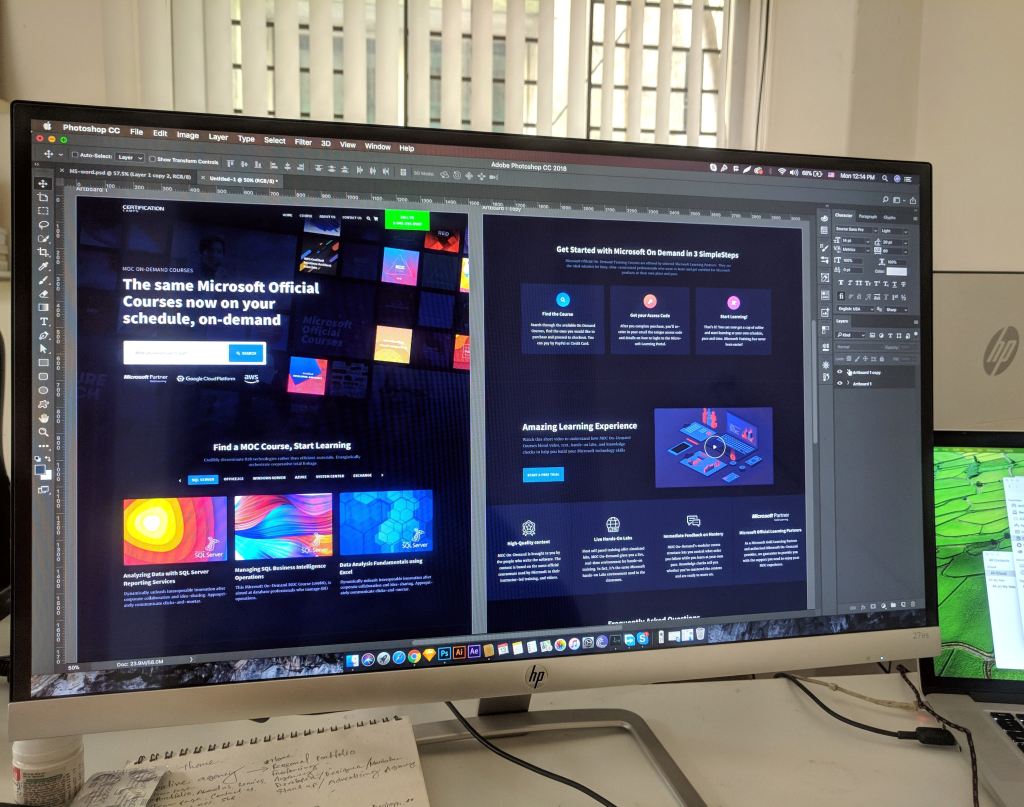
No I don’t mean the mud bricks, I mean the Adobe CC software. Adobe CC (which means Creative Cloud) is a service that can offer applications and services for editing photos, creating videos and animations, and even design websites.
Editing pictures

One of the tools and applications used to edit photos in adobe cc is Photoshop. There are other applications for photo editing, such as photoshops desktop equivalent Lightroom classic, and a few cloud services like bridge and lightroom (modern). For now we’re looking at photoshop as an editor, although you can use bridge or lightroom to view your photos before working on them in photoshop but neither of them are necessary for it, but it’s still helpful to drag and drop your images in one of the programs to view them before editing them. In photoshop you can use various tools to basically touch up photos, or create something grander. One tool for example is “the spot healing brush tool (the band-aid looking tool)”, it works like a paintbrush to cover up anything like spots using the pixels that surround it. Basically, think of it as filling a hole with the surrounding mound of dirt (but not really).
Some other little shortcuts and do-dads to remember:
- Undo: command (mac PC) + Z, ctrl (windows PC) + Z
- Redo: Command+shift+Z, ctrl+shift+Z
- Copy: command/ctrl+C
- Paste: command/crtl+v
A few issues to note and how to fix them:
- MacOS 10.15 catalina compatibility need photoshop 21.0 and 20.0.7, and sometimes when you save them as a copy it doesn’t append “copy”. To work around this just manually rename the image and add copy.
- When working with cloud documents, you might have issues saving as a cloud document. To fix any issue just check to see if creative cloud needs an update.
Editing videos

When working on videos you can use photoshop, but there are other programs that specialize in video editing. Premier, after affects, and animate to name a few. Premier pro is a timeline based video editing app to edit movies, which was used in creating movies such as Deadpool, Gone girl, and Captain Abu Raed. After effects is used for creating visual effects for the movies, and animate is used to create vector based graphics for websites and T.V shows. If there are issues with the program
Such as:
- Drop in (choppy) frames
- audio drop out
- No video during playback
- Playback getting stuck when you hit the spacebar
If these issues occur
- Ensure the file that you’re using
- Update the video card driver: flawed video display card drivers can incorrectly display motion video and textures.
- Temporarily switch to single display configuration.
- Or use a third party converter.
Web designing

For web designing the adobe software to use is dreamweaver and XD.
Dreamweaver uses both live view and a code editor with standard features such as syntax highlighting, code completion/collapsing, and more advanced features like real-time syntax checking, and code introspection for code hints.
Adobe XD is a vector based program used to make mobile and web apps and supports wireframing, you can even use it for your mobile device.
XD contains features like:
- Repeat grid: for photos and lists
- prototype and animation: create animated prototypes through linking art boards.
- Voice design
Issues with the programs and how to fix them:
- If the extension isn’t displayed on dreamweaver, close it out and install the extension.
- If you have dreamweaver and cant install new updates for dreamweaver 12 and up, you need to install the latest extension manager for further extensions.
Also for extensions use .zxp files, and mxp files for manager CS.
So these are the Adobe programs used to for web designing, movie making, and photo editing.
 Henry Iglesia