Now we’re gonna go deep into InDesign. Lets learn about some really good tools and even learn about new things about new extensions.
Pre-Flight
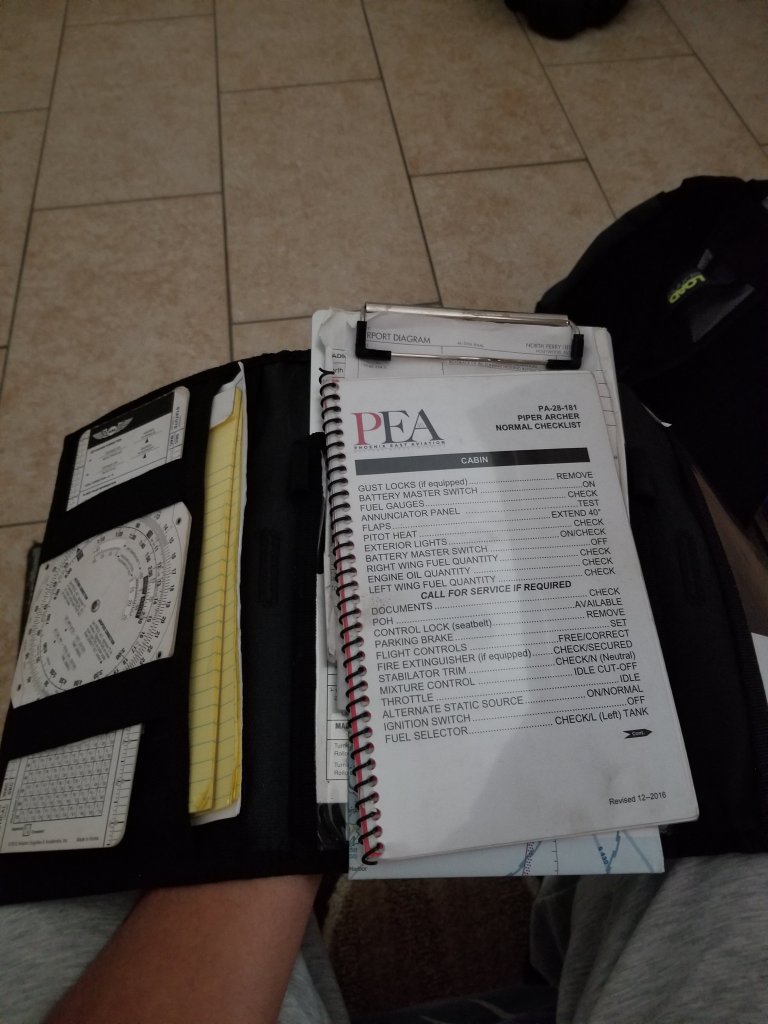
Pre-Flight is the ritualistic inspection you absolutely must perform to ensure that your aircraft is airworthy. This includes checking the air pressure gauges, manifold pressure gauges, pitot head check the ailerons, and sump the fuel.
But we’re not talking about that preflight. Preflight for indesign involves performing quality checks for documents before handing them off to clients. The preflight panel warns you of any problems that can prevent a document or book from printing or outputting as desired, whether it is overset text, missing files of any kind, or low resolution images. To use the preflight first go to the windows panel -> then output -> then preflight, if the icon is green then no errors should be detected, if its red then there are.
Cover/poster designing
In the modern days ebooks are now being read instead of print (print still exists of course). In design can be used to create covers for books, posters and newspapers.
EPUB
For ebooks the file extension it uses is the epub format which is used to package content for ebooks carrying the necessary files and images and is more supported than PDF files.
Tools
Some tools to keep note of are the text tool, which is exactly what you think it is. You use it to add text to your covers. The hand tool which as you can guess move the artboard around. The shape tools, which if you know anything about illustrator you can build shapes for your designs. The pen tool which draws shapes just like in illustrator as well. And the scissors tool which can cut lines into new segments. These are tools that greatly help you when using indesign.
 Henry Iglesia