Creating animated web content is sort of like making animations for other stuff. For those of you who don’t know, animation is basically a method where figures are manipulated to create the illusion of movement. There is both 2D and 3D animation, and in the world of web designing you can technically do both.
From what I’ve read Toonboom is one of the top ten animation software’s for “animation” but personally I use Photoshop for manipulating pictures.
The timeline
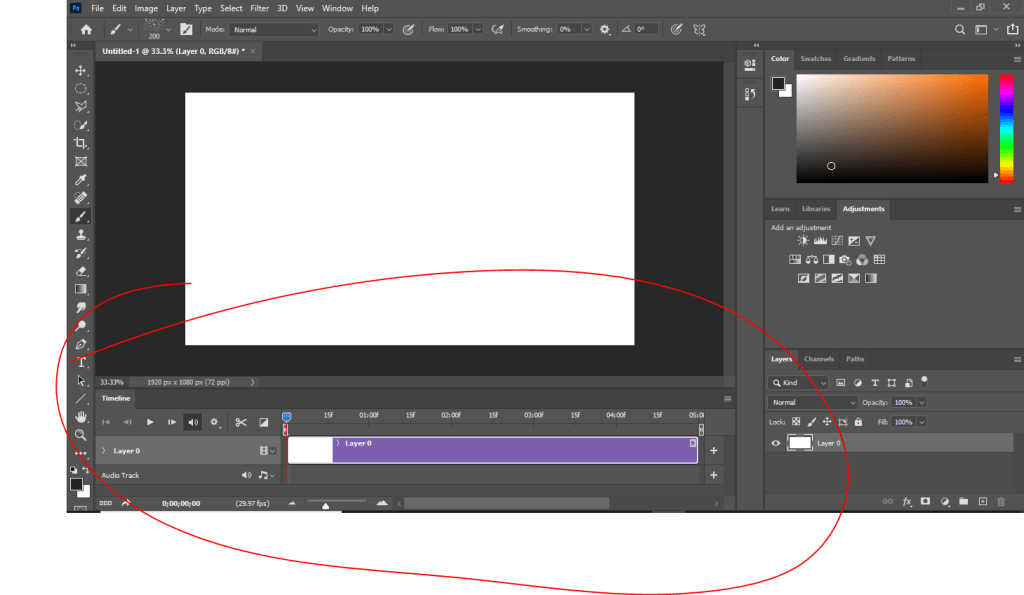
In every animation software, or movie making software in general, there will be a timeline showing you what will happen in the “movie”.
If you saw my post on: how to make a gif (not JIFF) then this should be no surprise to see this. The only difference here is exporting as an .mp4 than as a .gif.
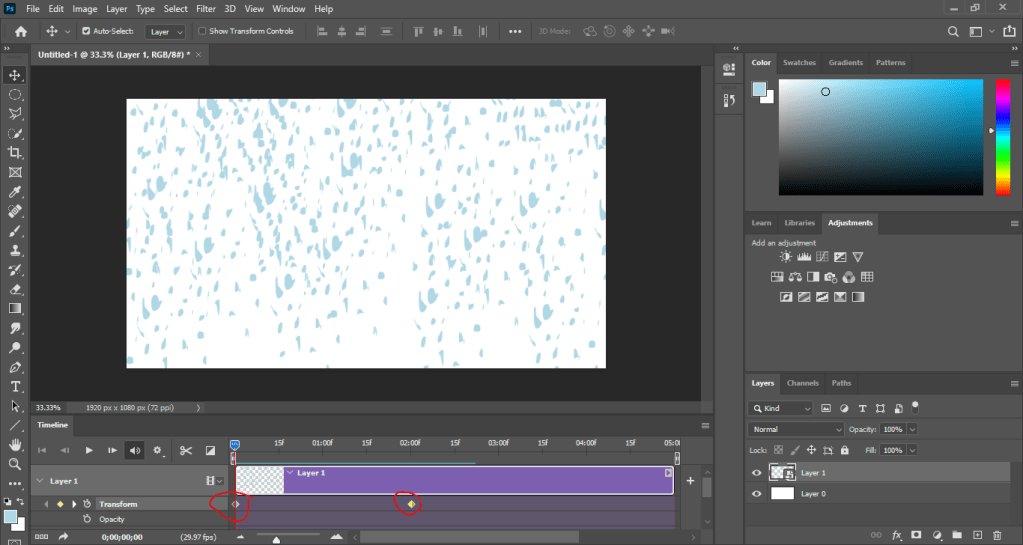
In the timeline I’ve added transformation pivot points to this animation so that it starts from one way and finishes on another. For this I made “rain drops” on one point and then I transformed them to look like they’re falling on the end point.
Now photoshop is a program you can use for animation but there is adobe animate that you can also use, which is specifically for animation as you can tell by the title of the program but you can also use it for html coding. Which is how most designers make there web banners for ads.
But don’t just take my word for it, try to use these programs yourself, and see what you can make.
 Henry Iglesia