When you want to edit videos, the first software that you probably think of would most likely be adobe premiere or Sony Vegas (if people still use that) or some other software that you might have to pay for. Sure the “good” ones cost money but if you’re just a beginner or just wanna casually make vids then there are free software out there for you to use. But which one?
A web based editor
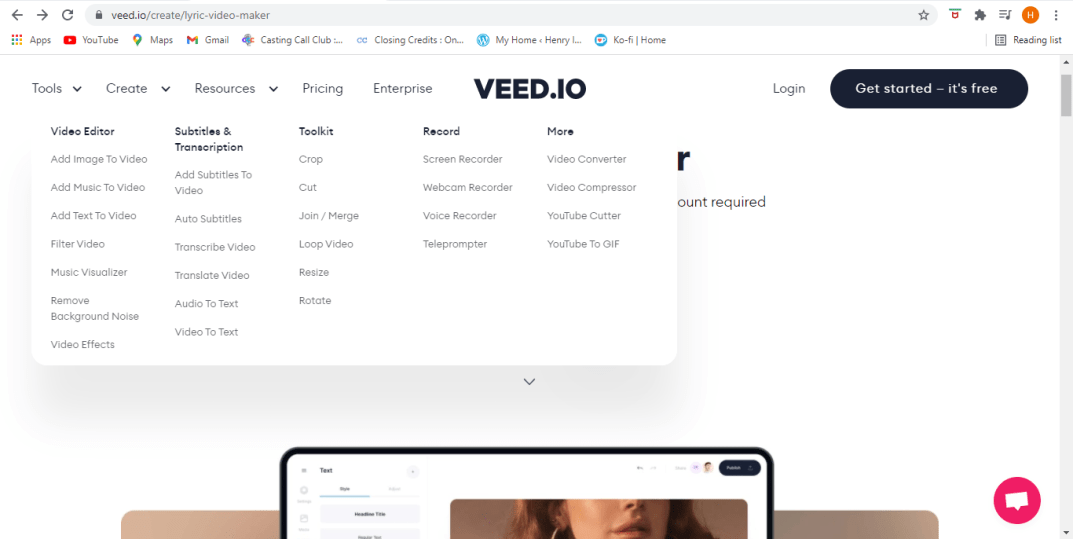
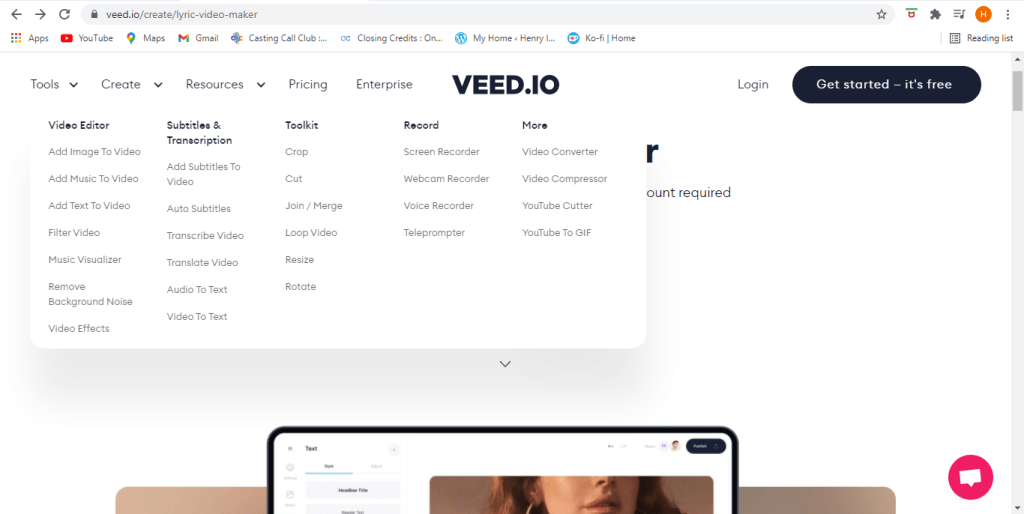
You can probably search up free video editing software and get a bunch of nice results, but what if these complicated programs take a huge toll on your PC’s operating system since you have to install them? Well don’t worry about that because we got VEED.io. This is a web based editor that you can use to create and edit videos.
Tools
Editing
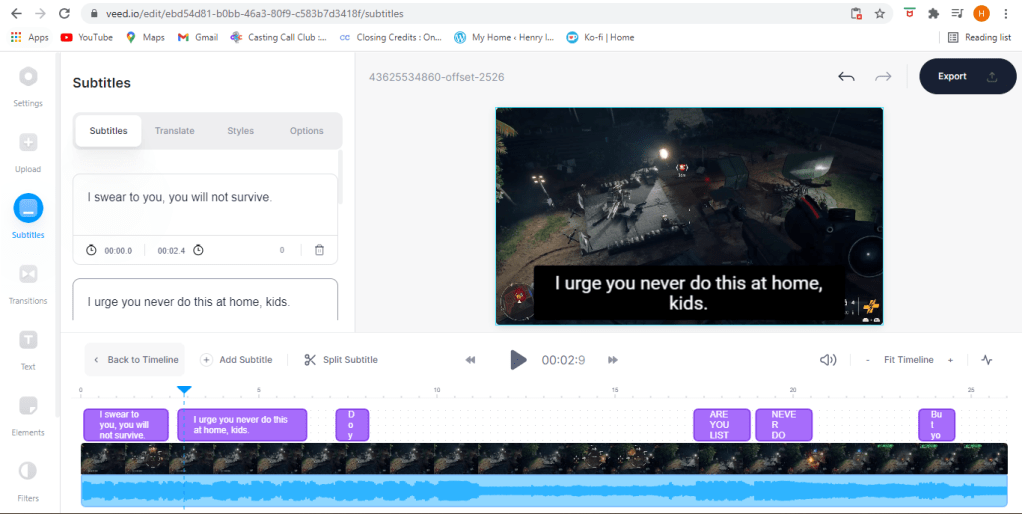
When you add subtitles you might say somethings that it might not entirely understand. Which is why you get the ability to edit them yourself. Now you can articulate spamming your keyboard with what’s going on (har).
Removing Audio
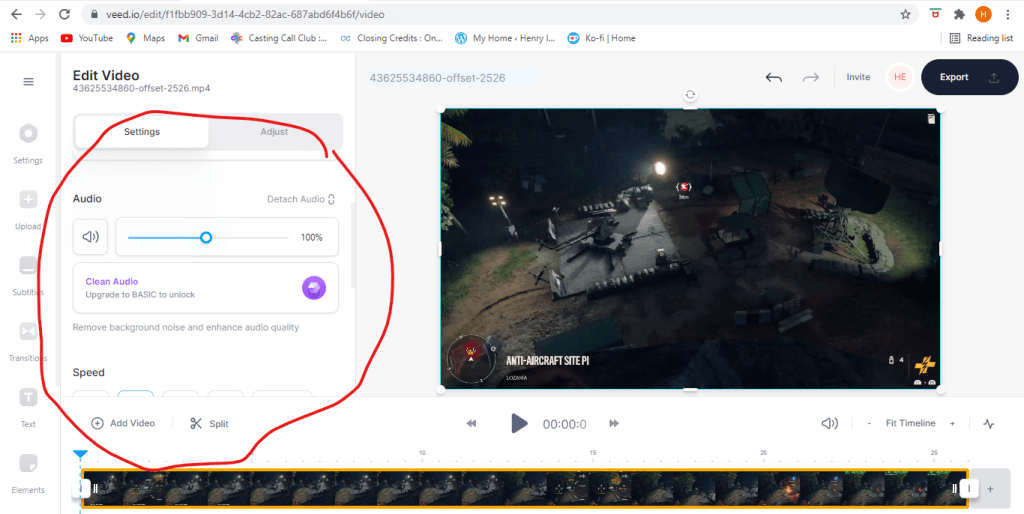
In case you want to remove audio from your video, you can do that. You can mute your audio completely, replace the audio, clean it up (if you have the basic plan), and a bunch o’ other things. To learn more you can check out this link here.
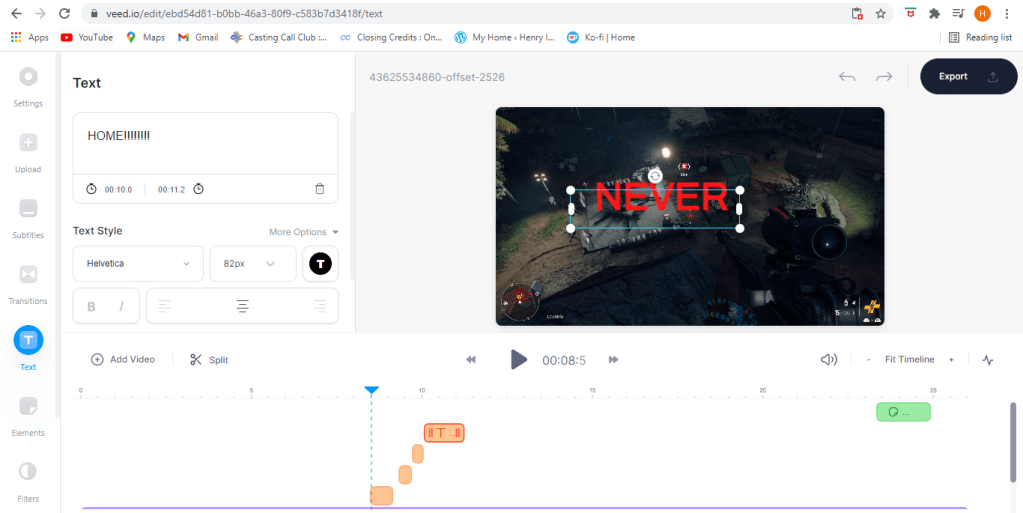
If you just want to add text then just add text.
Posting
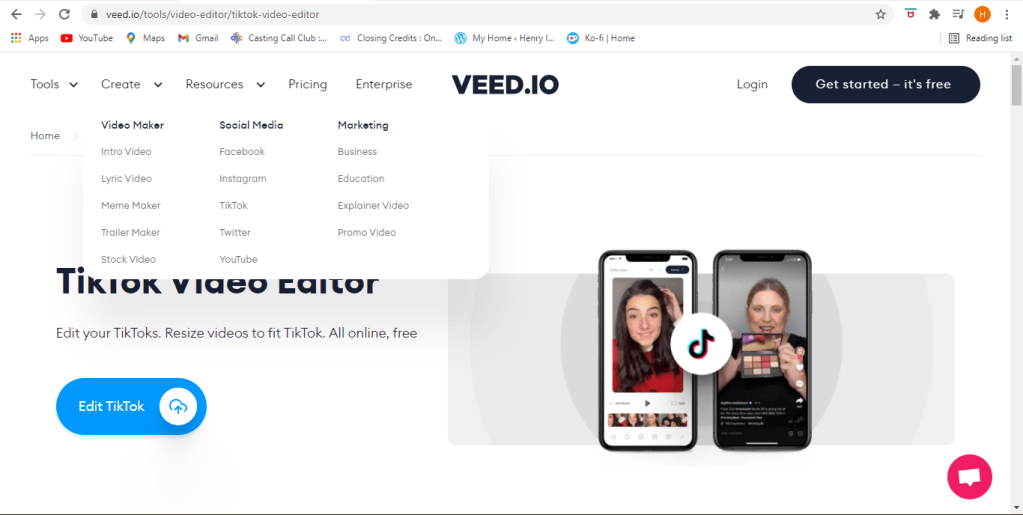
With this site you can post your dance video to Tik Tok or upload your gameplay footage to Youtube, Twitter, Facebook, or whatever other site that gets you clout.
Membership
Of course there’s alot more you can do if you sign up. Of course you can create a free account and do anything and save your videos, and if you pay for a membership but you can always simply try it first and get one later so should you choose.
Lets get started
Well what are you still doing here? You saw the footage, I told you how it works, so lets get to makin’ videos.











 Henry Iglesia