What to do as a multimedia designer.

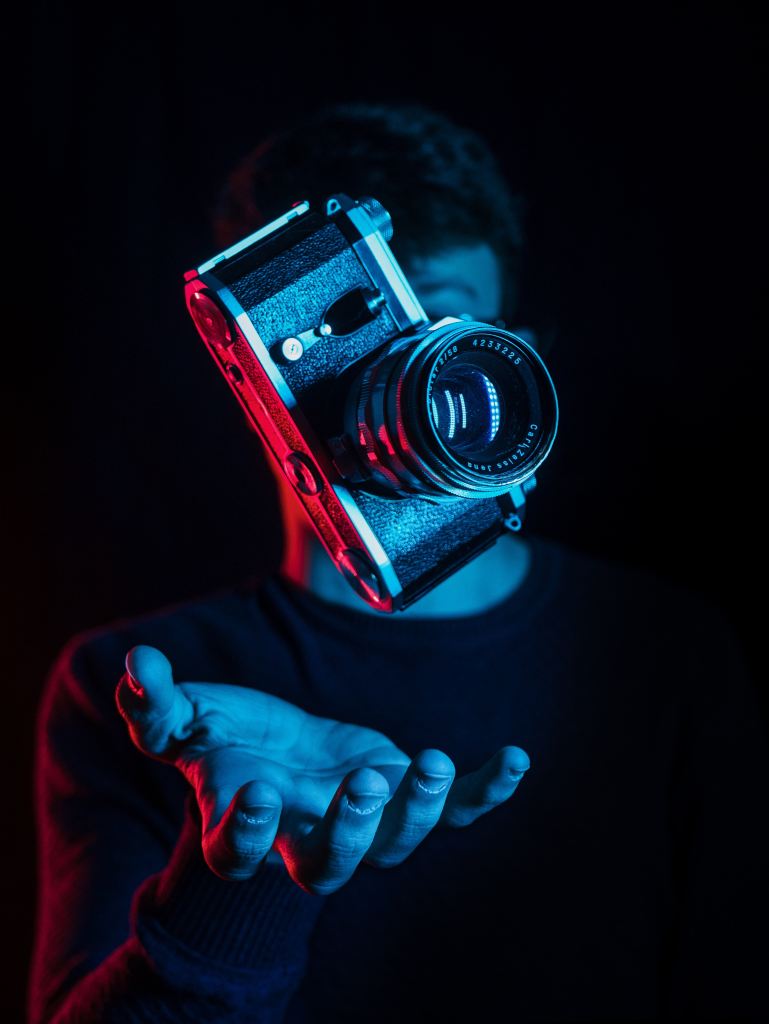
Photo by Alina Grubnyak on Unsplash

As a multimedia designer your job consists of generating content that is visually stimulating to consumers and convey a clear message. Depending on the field you’re in you might need to learn java script, XML, HTML, or other forms of software for your work. Depending on the tools you’re using you need to stay up to date with them, which requires additional training, and must stay aware of any changes in consumer trends/tastes.

Jobs include but not limited to…

  • Digital camera operator: basically the one who uses the cameras (no brainer)
  • sound engineering technician: someone who produces audio recordings
  • Multimedia artist: creates visual and special effects for video games, and movies, and other forms of media.
  • Game designer: basically a multimedia artist who designs games
  • Video/audio editor: basically someone who edits video/audios

Education for this mostly asks for a bachelors degree in graphic design and fine arts. However you can still get certain jobs with a nice portfolio from taking a post-secondary course. It is required to study either computer animation, film studies, interactive media, journalism, television studies, and video production.

Copyright

The fun part, the stuff every youtuber has to tiptoe around or “DEMONETIZATION”.
Copyright can work both for us and against us if not used properly.

So let’s start with what isn’t protected by copyright laws.

  • Ideas, procedures, methods, systems, processes, and discoveries.
  • Titles, names, short phrases, slogans (hence why you can reference these things and not get in trouble).
  • Typeface, fonts, lettering blank forms.
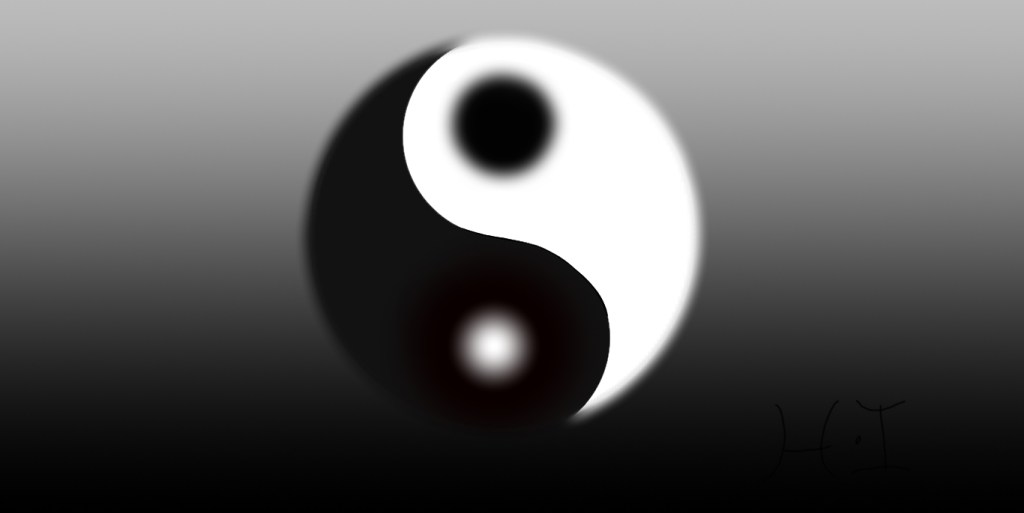
  • Familiar symbols and designs (like that yin yang symbol, I made it because it’s a religious symbol so I’m allowed to).
  • Works that are not fixed in a tangible form (such as choreographic work that hasn’t been noted or recorded or improvisational speech that hasn’t been written down).
  • Mostly anything too general.

To learn more you can check works not protected by copyright (circular 33)

Here’s what can be copyrighted.

  • literary, musical, and theatrical works (including accompanying words)
  • motion pictures/audiovisual works
  • Architectural works (like buildings)
  • Sound recordings which are the results of a fixation of a series of musical, spoken or any other sound.
  • Mostly anything specific.

You can use copyrighted material only if any of these things are involved.

  • Fair use
  • quote
  • permission

To use copyrighted material for some form of profit you need permission from the original maker.

Quoting is using only some of the story.

Now fair use is the big thing people love to throw around, so let’s get into that. Fair use exempts certain restrictions on copyrighted material to recover the benefits of free speech. Fair use is only a gray area though and it must fall under the criteria of the four categories.

  • Purpose and character of the use, whether it’s for commercial nature, or nonprofit purposes.
  • It’s nature
  • The effect of the use upon the potential market for or the value of the copyrighted material.
  • The amount and substantiality of the portion used in regulation of the copyrighted work.

Fair use is only for parody, commentary, or criticism.

Stock photos and videos are unlicensed media that are free to use, but it is still best to be polite and give credit to the original creators. For more information you can check these sites: https://www.whoishostingthis.com/resources/copyright-guide/

https://www.copyright.gov

When it comes to taking pictures there’s a right and a wrong time and place.

Right places are public areas like parks or stores. Wrong places are privately owned property.

You are allowed to take a picture of a person if you ask, and can sell it to a newspaper or publication, but they didn’t agree to promoting anything so you would be violating that persons use of likeness rights.

There is more information about this on this site https://www.rocketlawyer.com/article/when-you-need-a-photo-release.rl

Alright now you know a little more about capturing the world. Now go create something.
Higher level photography

Advanced photography includes many things like; panorama, HDR, and professional grade black/white photos. Wait, HDR, panorama. What even is!? Fear not, we can find this out together.

HDR

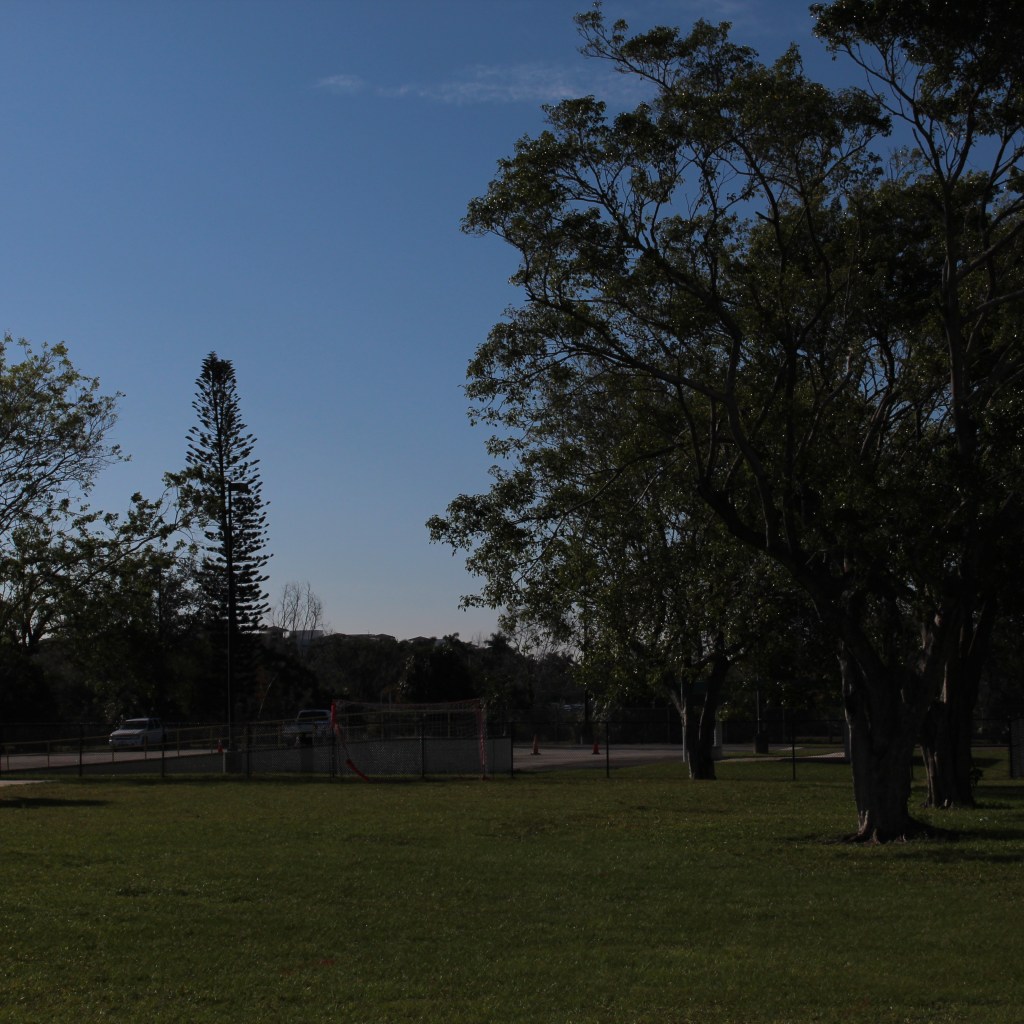
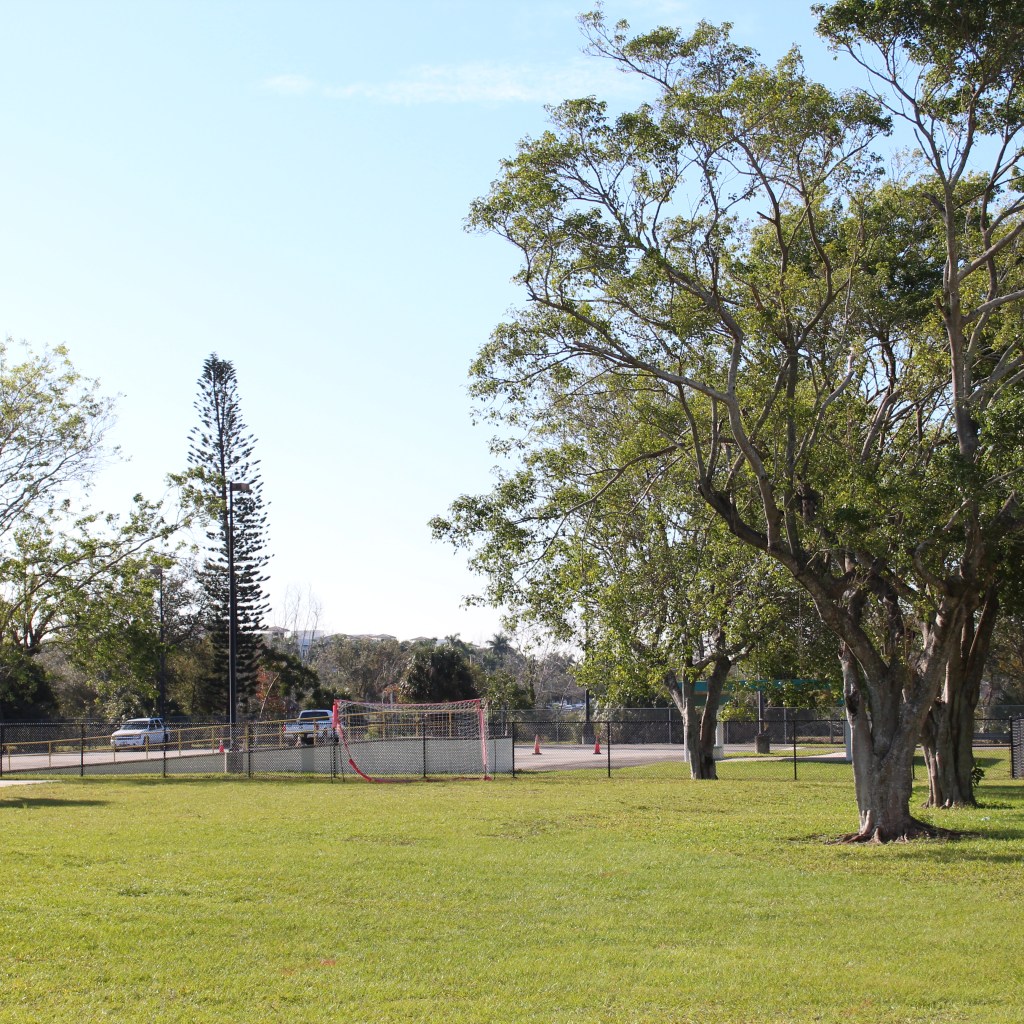
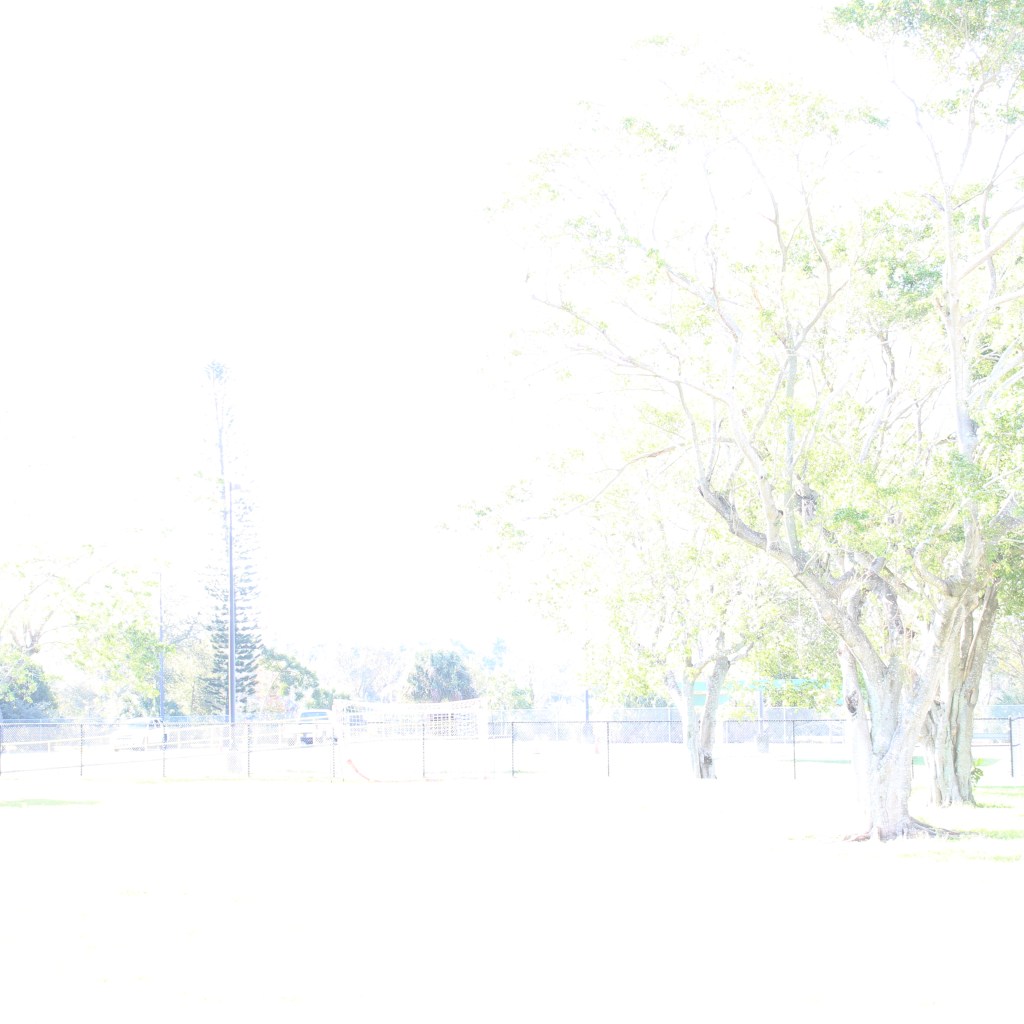
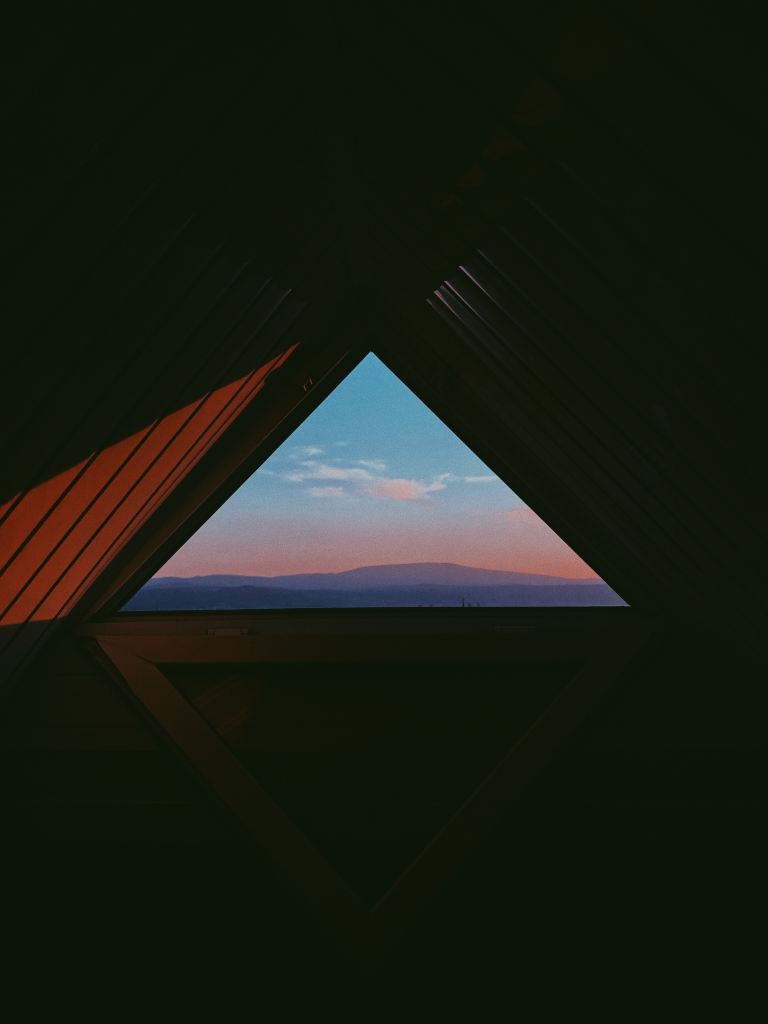
HDR stands for High Dynamic Range, the dynamic range is difference between the lightest light and the darkest dark in a photo. In a photo, if your subject exceeds the dynamic range, either the highlights can wash away the whites, or the darks can turn into black masses. That’s what HDR technology is used for, to turn the photo from under/overexposed to the higher dynamic photos. How it works is basically combining two (or even nine) photos together in a software with HDR tools to make one great looking picture. Now the pictures need to be the same exact thing with varying exposure. No moving objects (including the camera, so it’s best to use a tripod), then blend the photos together with the software.

Underexposed
Good exposure
too over exposed

Which will get this upon combination.

Better

Panoramic

Panorama is the wide picture. It’s one thing to take out your phone and take a picture with the panorama setting on (like some casual tourist). But to look professional here’s how you do it with a professional camera.

For a good panorama it’s best to use 4-5 images depending on space, but they need to be full-length so the best way to do this would be to look for key objects. Use the rule of thirds for this. Get a picture, look to the right of the grid for any key objects, and move the camera to the other side with the key item from the right to a similar spot on the left. Repeat this a couple more times and merge these photos in photoshop using the panoramic option and you should be able to make a wide looking picture that looks like this.

Black and white photos

Get your phone take a picture and set it to black and white, right? Nope. How about send it to photoshop, and drop the hue/saturation? Yes, but there’s more to it than that. When it comes to black and white photos there’s more to it than just taking a picture and setting it to black and white, there’s also light factor and tone balancing in order to get what you want to stand out. Monochrome photography uses black and white (and other colors like cyan, or sepia) for artistic creation.

Well that’s a few of the things to use when it comes to professional photography. Now get out there and start warping space with your image capturing dodads.

How to do photography, casual VS pro

Photo by Julius Drost on Unsplash

So you want to take pictures? What kind? That is the million dollar question. When it comes to photography, there are certain variables to consider when doing any photo. Which are…

  • Cameras
  • accessories
  • the “Exposure triangle”

Cameras

Photo by Christian Mackie on Unsplash

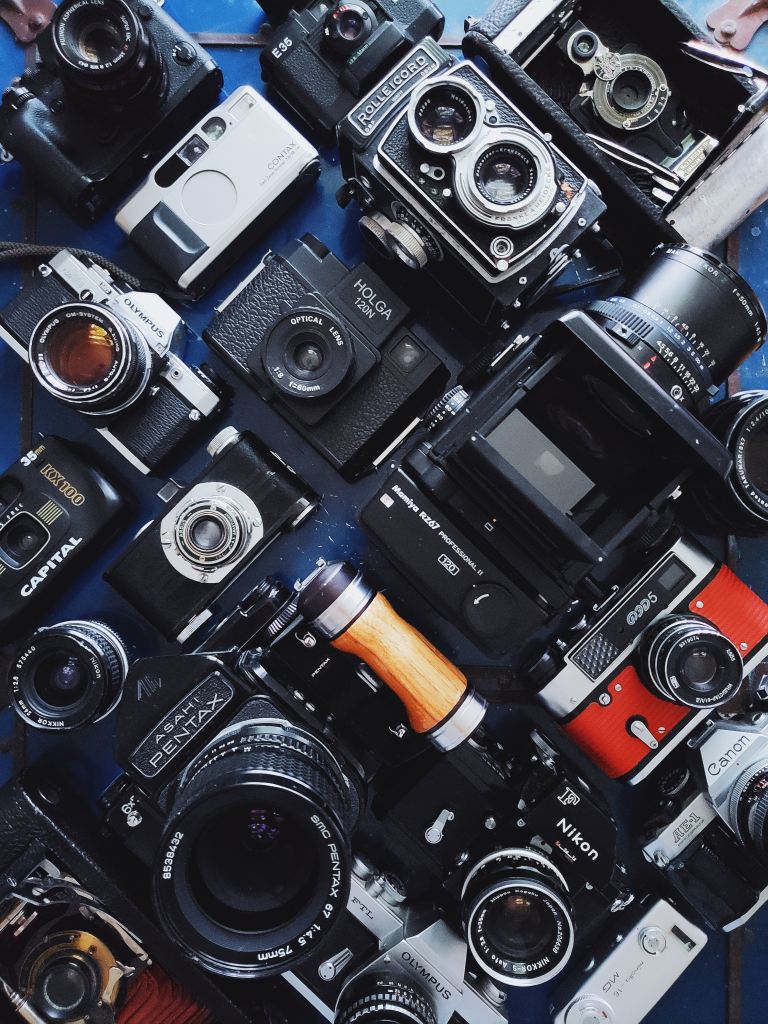
When it comes to photography there are many different cameras at your disposal. DSLR (digital single lens reflex) cameras, point-and-shoot cameras, camcorders, and… cell phones.

DSLR cameras are the ones that are mostly used in the professional world. These cameras exist in a wide variety with inter-changeable lenses for different shots. Inside the body is a mirror that reflects light coming in from lens up into an optical viewfinder, by way of prisms (for higher end models), or a series of mirrors (in lower end models). Which is how you can see what you’re shooting through the lens. When you press the shutter button the mirror flips out the way and incoming light shoots through to the image sensor. The shots are done in real-time, so unlike mirror-less cameras, which are the point-and-shoot type, there is no lag because the camera is designed not to have a sensor transfer data elsewhere on the camera. However because of this you wont be able to preview your image settings through the optical viewfinder like in mirrorless cameras.

What else these cameras have that others don’t is…

  • Can take in more light for those dark areas.
  • Faster auto-focusing technology.
  • And interchangeable lenses

Speaking of interchangeable lenses, these cameras also use other accessories like…

  • tripods, for stability
  • a strap
  • SD cards, for memory storage
  • filters for different areas
  • blowers/rags to remove dust

Mirrorless cameras do the same thing as DSLRs (which is take pictures). However they are very different in design. Both types can show the scenes through camera lenses as you compose the picture, but the mirrorless cameras use the live view capture by the sensor to create an electronic viewfinder image. The electronic viewfinder is sharper and more responsive than the optical viewfinder and can offer different customization options that you can’t get in an optical viewfinder. These vary in between cameras but include, the ability to show advanced exposure aids like histogram and waveform monitor right in the viewfinder. Mirrorless cameras have improved auto focusing and can balance out more features like eye detection, but DSLR still lead with its real time eye detection tracking.

Although DSLR cameras still surpass mirrorless ones with battery life in the near future they will improve them overtime. But until then DSLR wins that round.

Camcorders, basically combines video cameras and video cassette recorders. The earliest camcorders were recording analog signals and were tape-based, and in 2006 it was replaced with digital recording with SD cards and internal flash memory, and micro DVD. they have a built-in microphone and thus can take crisper audio.

Smart phones

Basically for those who aren’t serious about photography, just saying.

The best camera phones are the google-pixel-4’s, Huawei P30 pro, and the Samsung galaxy S10 pro. The google pixel has a phase detection auto-focus, and dual-pixel phase detection auto-focus, have 64/128 GB of storage. While phones have settings and filters to give you the feeling of pro cameras, the best that they’re used for is… social media.

The exposure triangle

Photo by Enver Güçlü on Unsplash

The exposure triangle is basically the foundation of a photo.

  • ISO
  • Aperture
  • Shutter speed

Also known as…

  • How much light exposure you need for the area you’re in?
low ISO, way under exposed
  • how blurry the background is
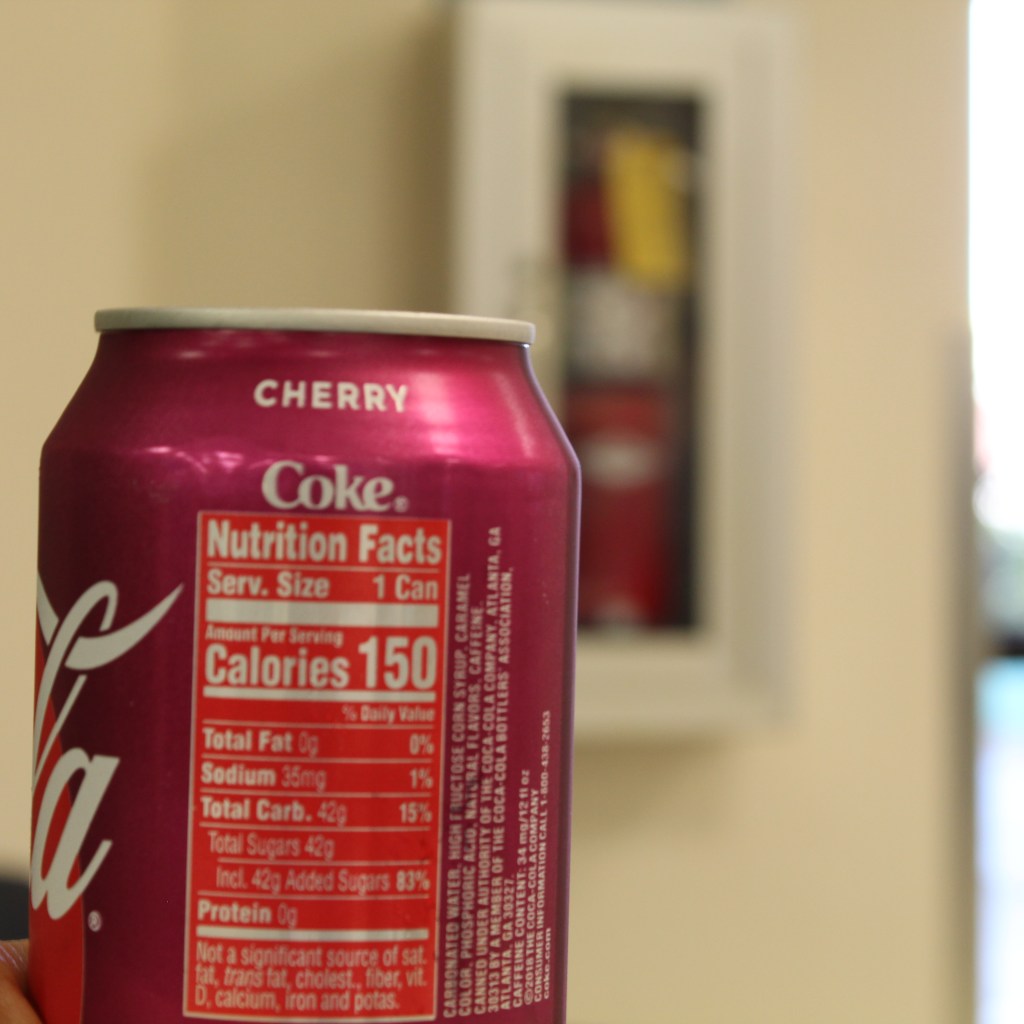
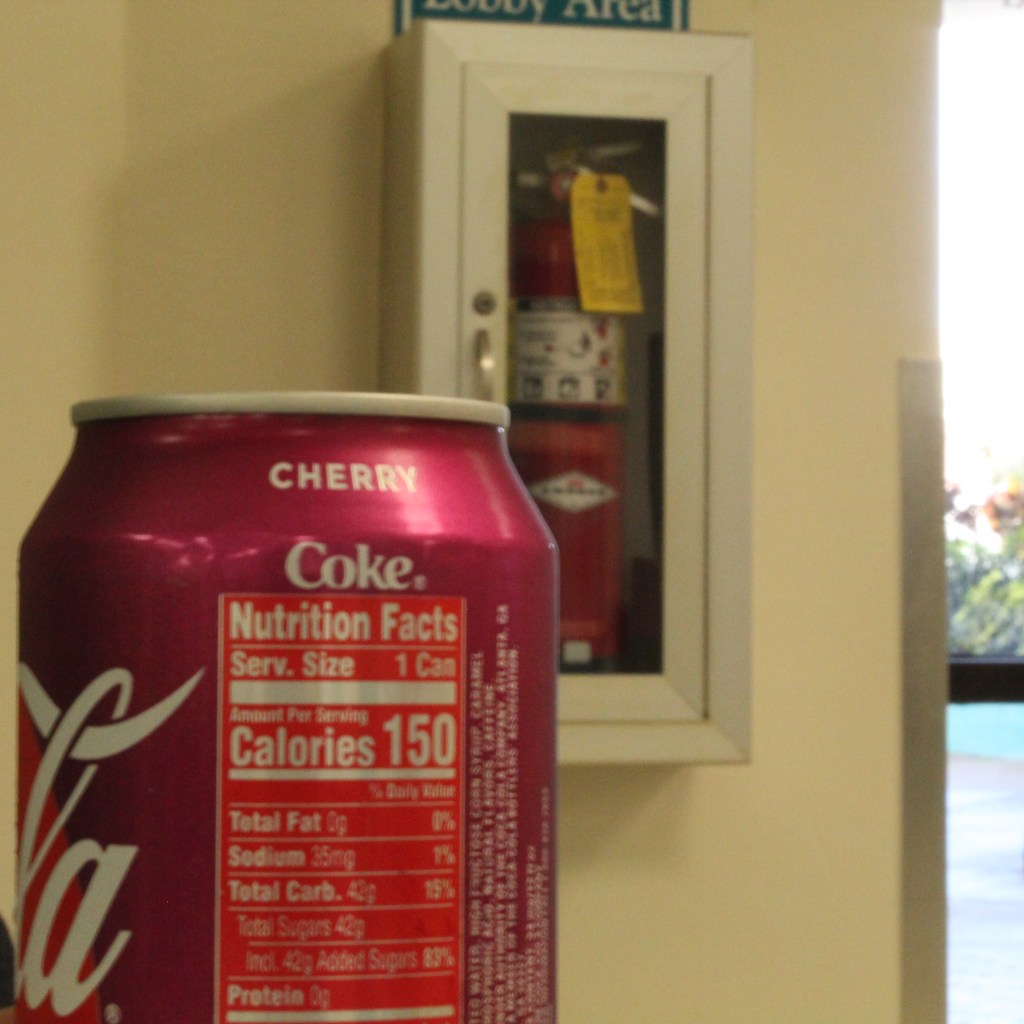
Extinguisher is more visible
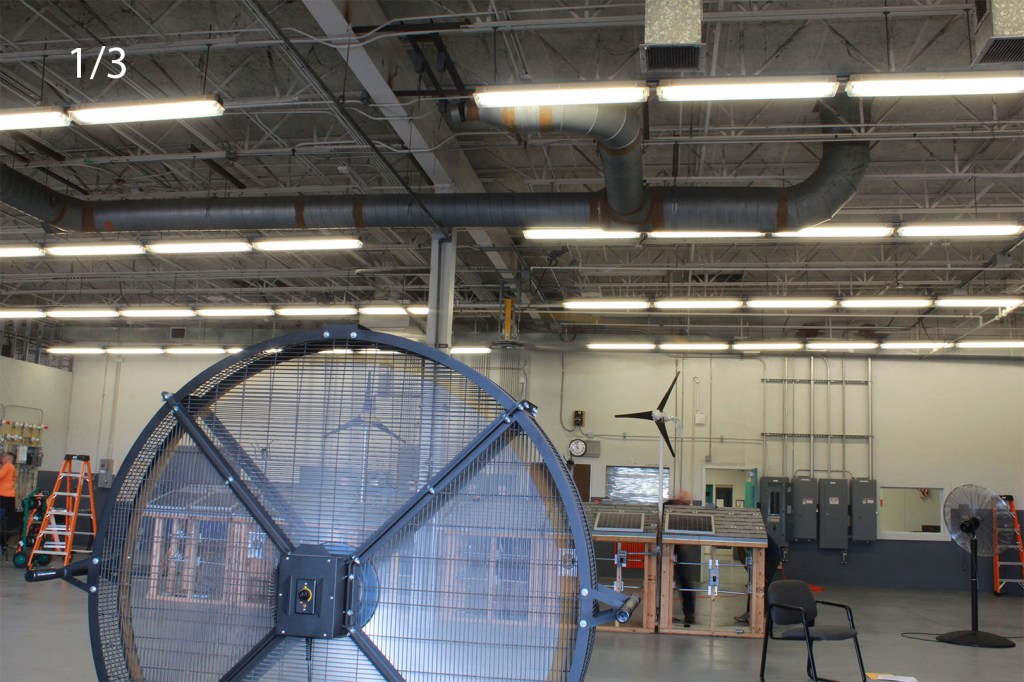
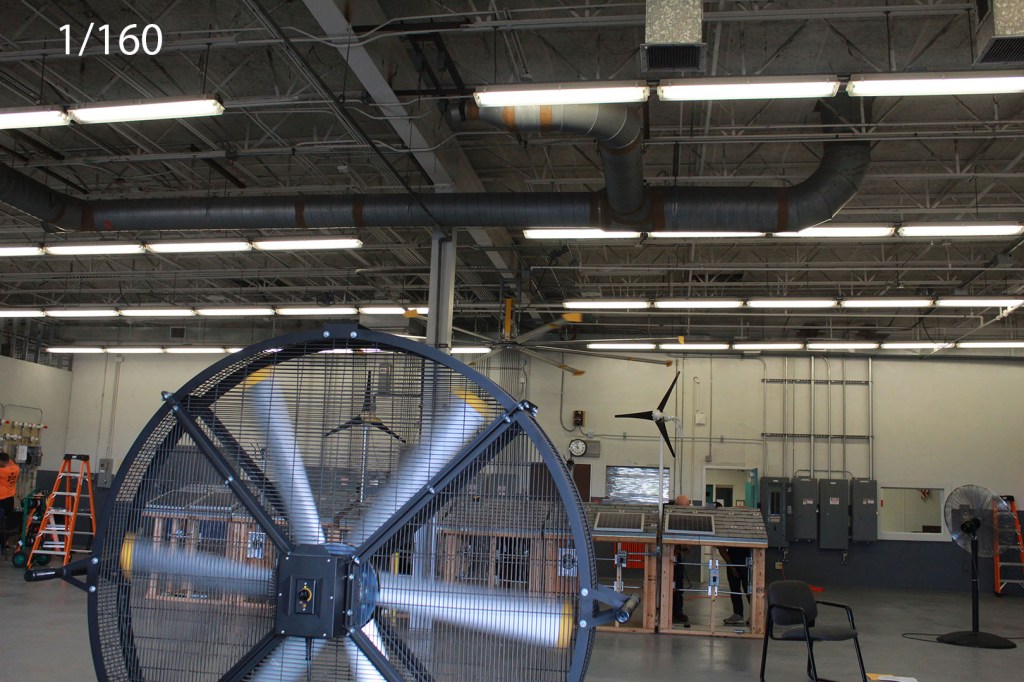
  • To ghostly moving objects

While there is a wright and a wrong way of doing these things these different settings can do many other things. Just play with the different settings to get what you want.

What is Adobe CC software?

Photo by Eftakher Alam on Unsplash

Let’s talk about Adobe.

No I don’t mean the mud bricks, I mean the Adobe CC software. Adobe CC (which means Creative Cloud) is a service that can offer applications and services for editing photos, creating videos and animations, and even design websites.

Editing pictures

One of the tools and applications used to edit photos in adobe cc is Photoshop. There are other applications for photo editing, such as photoshops desktop equivalent Lightroom classic, and a few cloud services like bridge and lightroom (modern). For now we’re looking at photoshop as an editor, although you can use bridge or lightroom to view your photos before working on them in photoshop but neither of them are necessary for it, but it’s still helpful to drag and drop your images in one of the programs to view them before editing them. In photoshop you can use various tools to basically touch up photos, or create something grander. One tool for example is “the spot healing brush tool (the band-aid looking tool)”, it works like a paintbrush to cover up anything like spots using the pixels that surround it. Basically, think of it as filling a hole with the surrounding mound of dirt (but not really).

Some other little shortcuts and do-dads to remember:

  • Undo: command (mac PC) + Z, ctrl (windows PC) + Z
  • Redo: Command+shift+Z, ctrl+shift+Z
  • Copy: command/ctrl+C
  • Paste: command/crtl+v

A few issues to note and how to fix them:

  • MacOS 10.15 catalina compatibility need photoshop 21.0 and 20.0.7, and sometimes when you save them as a copy it doesn’t append “copy”. To work around this just manually rename the image and add copy.
  • When working with cloud documents, you might have issues saving as a cloud document. To fix any issue just check to see if creative cloud needs an update.

Editing videos

Photo by Jeremy Yap on Unsplash

When working on videos you can use photoshop, but there are other programs that specialize in video editing. Premier, after affects, and animate to name a few. Premier pro is a timeline based video editing app to edit movies, which was used in creating movies such as Deadpool, Gone girl, and Captain Abu Raed. After effects is used for creating visual effects for the movies, and animate is used to create vector based graphics for websites and T.V shows. If there are issues with the program

Such as:

  • Drop in (choppy) frames
  • audio drop out
  • No video during playback
  • Playback getting stuck when you hit the spacebar

If these issues occur

  • Ensure the file that you’re using
  • Update the video card driver: flawed video display card drivers can incorrectly display motion video and textures.
  • Temporarily switch to single display configuration.
  • Or use a third party converter.

Web designing

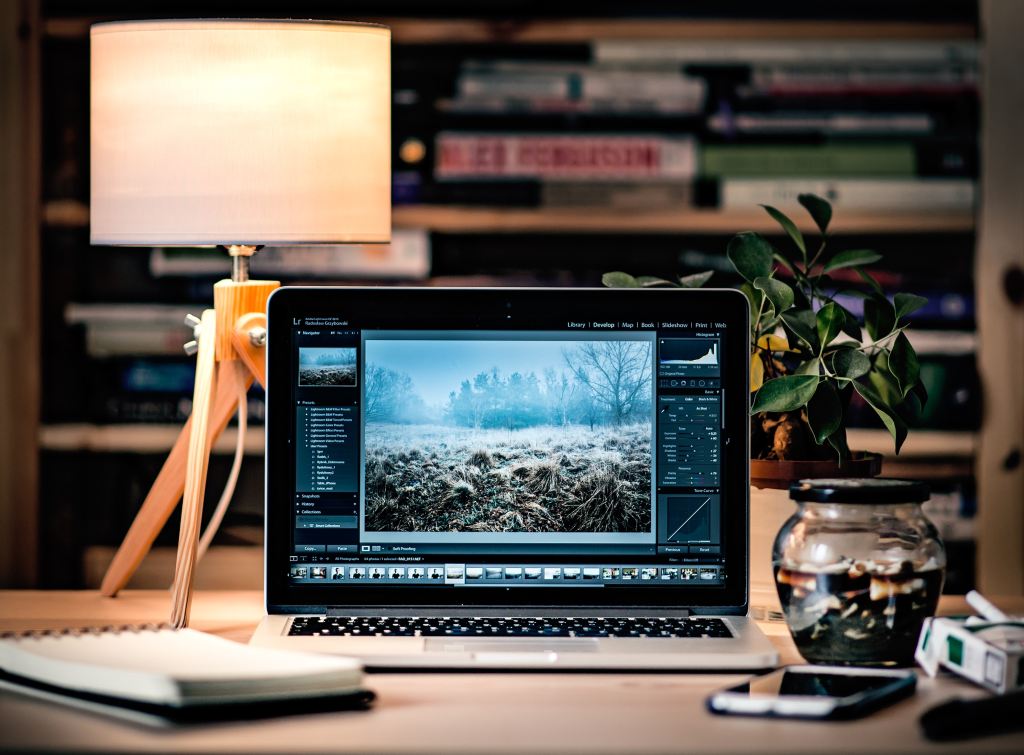
Photo by Radek Grzybowski on Unsplash

For web designing the adobe software to use is dreamweaver and XD.

Dreamweaver uses both live view and a code editor with standard features such as syntax highlighting, code completion/collapsing, and more advanced features like real-time syntax checking, and code introspection for code hints.

Adobe XD is a vector based program used to make mobile and web apps and supports wireframing, you can even use it for your mobile device.

XD contains features like:

  • Repeat grid: for photos and lists
  • prototype and animation: create animated prototypes through linking art boards.
  • Voice design

Issues with the programs and how to fix them:

  • If the extension isn’t displayed on dreamweaver, close it out and install the extension.
  • If you have dreamweaver and cant install new updates for dreamweaver 12 and up, you need to install the latest extension manager for further extensions.

Also for extensions use .zxp files, and mxp files for manager CS.

So these are the Adobe programs used to for web designing, movie making, and photo editing.

The difference between Mac and PC operating systems

Photo by Scott Winterroth on Unsplash

When it comes to mac vs pc people think that either the mac can do everything pc can do or it can do it better. But here’s the thing; if you can’t tell, the mac runs a completely different operating system than the pc. As a matter of fact, the mac has its own operating system that only it can use. Such as iCloud; which is universal for all mac OS devices, and many other apps ranging from creativity, productivity, and communication. The mac OS is designed to be used as simple as it can possibly be.

So what about a PC? Well let’s ask ourselves what the acronym “PC” even is. PC actually stands for: Personal Computer, which is something a mac technically is also. So what else is there besides mac? There’s windows (and I guess linux, but shhh, we wont talk about that).

Let’s talk similarities

First off lets address the elephant in the room. What are the similarities between them? Well first off they’re both PC’s; Yeah I know that I stated that already but it’s important to remember this because there’s a common misconception that PC is just the computer that isn’t a mac; but it isn’t, it is really the windows that’s “the other one”.

As a matter of fact according to lifewire.com they both:

  • Use the same basic hardware components.
  • They both have a similar interface that allows you to save, click, and run apps on your desktop.
  • They both allow you to use cloud storage services like Dropbox, Googledrive, and Box.net, (never used that one though).
  • And they actually both have assistants. Mac OS products have Siri, while windows have Cortana. Although I personally don’t really use her myself.
  • Lastly, you can actually use microsoft products on both OS’s.

Also You can even install windows OS on your mac.

Good and bad. Art by: me.

Difference between them

Even though Macs and windows are both PCs, both types are very different, in design, and functionality. In fact according to howstuffworks.com, mac designs its PCs with more expensive components, hence why they usually sell for less than $1000, and come pre-installed with vastly different software packages. Some software are compatible with both though you’ll have to manually install some software.

More ways that mac and windows are different include, but not limited to:

  • Availability: Certain retailers don’t sell Apple products such as, walmart, and are usually ordered online. However some outlets do have Apple specific stores. You can find both mac and windows PCs in stores that mainly specialize in technology like Best Buy, or Brandsmart.
  • Operating systems: In modern times we use windows 10. Back in the old days, in 1983, we used to use windows vista. It need a lot of updates and extra packages to run certain operations like 3-D graphics, and was prone to lots of crashes. For mac the first OS was developed by Co-founder Steve Jobs in 1984, but due to leadership problems Jobs resigned and began working on a project called the NeXT computer, which ran on an operating system called NEXTSTEP. This became the staple for mac OS’s in 1999. Now the mac OS runs on Kernels: which controls and monitors hardware resources like memory, CPU processors, and disk drives. Machs: which basically an old Kernel code to manage memory, multitasking, and reduce processing speed to prevent overheating. And of course Device drivers: used for external devices.
Photo by Florian Olivo on Unsplash

Which is good to play games?

So now you’re wondering “which one can I use to tea-bag noobs in counter-strike”. Well it’s the Windows of course. You can play games on the mac, such as World of warcraft, Starcraft, Duke Nukem, Civilization and hundreds more games, but it’s very limited and Apple even had to collaborate with microsoft to optimize it’s products. So it’s best to just stick with the one OS that has been able to function for gaming since the day it was made, the windows.

Old picture made by me

Security

Now admittedly the windows is more prone to cyber attacks than mac but mainly because most of the worlds PCs run a windows OS. However that doesn’t mean that mac OS’s aren’t prone to attacks either. As a matter of fact there are trojans that disguise themselves as mac OS software, like Mac defender just to steal credit information.

So what should you get?

Well it’s not a matter of what you SHOULD get, but a matter of what you want to do. If you want a strong fast PC that can stream games and do work then I would recommend getting windows. But if you don’t play that many games and just want to browse the internet then go ahead with a mac. Personally I use a windows PC, but mainly for working and sometimes playing games.