Animated web banners

Animated web banners are media used to advertise and promote your company or a product you’re selling. You probably seen stuff like this

The ad that looks kinda like a flag

on some website you were on. Their job is to get you to go to the company site and check out their products. Kinda like tiny commercials that aren’t in your face.

From hartthedetctive.blogspot.com

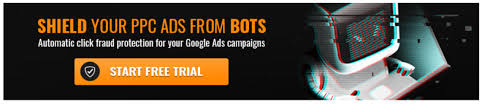
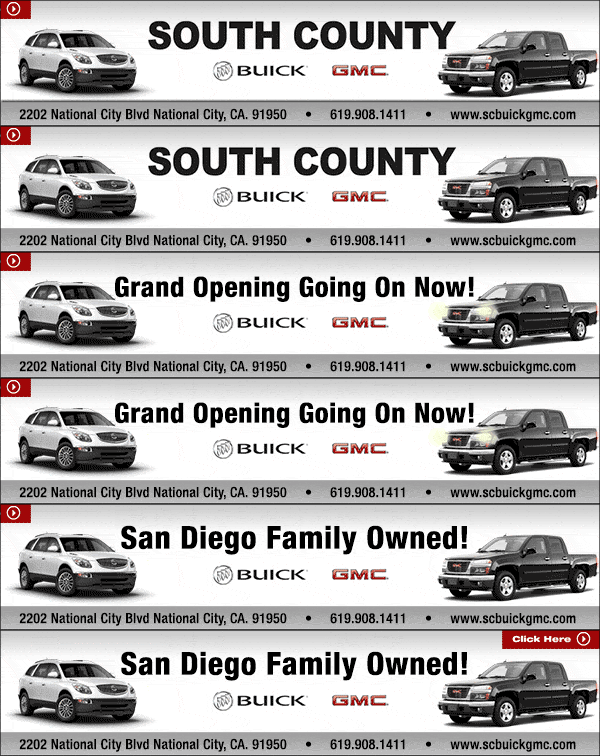
This ad for example looks like a good ad to promote a car dealer. The Text changes, the cars lights flash and the information is on it.

ad by freelancer.ca

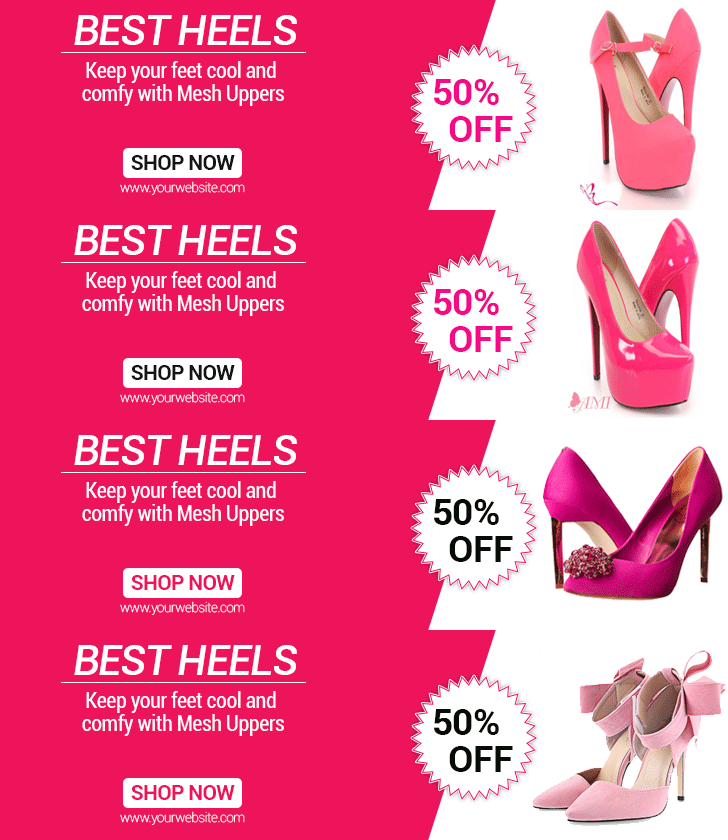
This ad has appropriate colors to show case the type of shoes you’re trying to promote; like reds, ans pinks and shinys. The words even change color as well.

ad by wordstream.com

This ad looks like something from a show right? Unlike the other ones, this one isn’t animated. It not being animated isn’t the end of the world for it will still look good but it would look more “catching” if it was moving.

Ad True Citrus Things by Lindsey Paolucci on pintrest.

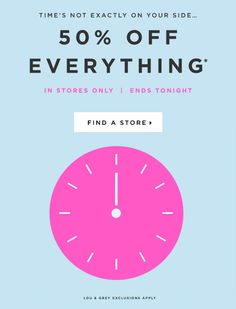
This one has nice contrast in color, just enough so you can see the clock from the background, and the text is well organized so it’s easy to read.

 ad by Vũ April from pintrest.

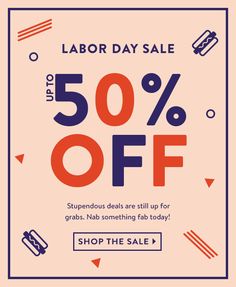
This ad you can tell is a labor day promotion due to the labor day message and the big “fifty percent off” in alternating colors. And the red is the right amount of contrast just so you can see it.

There’s a job posted on indeed for a Digital experience designer. The pay like most other jobs I’ve explained before is about $72,000 a year, and requires 3/5 years of mobile/web design experience preferably for an agency, possess strong creative problem solving skills and of course you need to be proficient in adobe software including knowledge of HTML, CSS, and Javascript.

Now you know what ad banners are and what nice ones look like. So lets get out there and show the world wide web your advertisements. Just remember not to use comic sans or the internet will shun you, and your employer will in fact yell at you.

Lets talk about wordpress

Want to design a professional website? Then come on down to NOT wix.com and instead use wordpress. Why should you use wordpress and not wix? Simple, it’s FREE!

Hold on there’s more.

THE Content Management System

Word press is one of the most popular CMS’s (content management system) in the world, 26.8 percent of the world wide web runs on wordpress. Few reasons include it’s cost, what it runs on, it’s usability, and much others.

  • The cost: It’s free! Well the basic stuff is. The more advance stuff does cost an amount, but you can still make something nice without paying for anything.
  • It’s accessible on all platforms: This site utilizes HTML, CSS and Javascript. Basically whatever a website needs to keep functioning.
  • It’s usability: It’s more simpler to use. When you use it for the first time you’re obviously not going to understand everything in the site has to offer because you’re just starting off and you need to use it for a while before you get an idea of how it works. And lets also face it, you’ll never understand anything everything you try for the first time, so GOOGLE IT.

Jobs for wordpress

So what jobs can you get as a designer using wordpress? There are a few, but right now let’s talk about one of them.

According to this post on indeed there is an opportunity as a web designer. Your job is to create wireframes, storyboards, promote design guidelines, best standards and practices. It’s a full time job and it pays $45,000 – $50,000 per year; with 401k, parental leave, flexible scheduling, paid time off, and health benefits. So of course it’s a great job to get.

If you want to pay someone to build a website you might pay between $100 – $500 to $3,000 to even $30,000 depending on the site that you want make because “bigger” sites depend on more resources and resources are not cheap at all.

So this is why you should be using wordpress and not wix or squarespace or anything like that to design websites. As a matter of fact I’m actually using wordpress right now to write this article. Now go make a website; and remember, this article is NOT sponsored by wix.com or squarespace.

Web banner ads

My “web banner ad”

Web banners are display image advertisements, and are widely used online to attractively display products online across an array of websites. Here are a few ways you can do these amazingly, you need to consider size, context, the call to action, and other components. According to: smashing magazine.com these are the best ways to design ad banners.

Sizes

For the size of ads, a thing to note is that each site has their own different requirements. There are three different types of banners; rectangles, banners/buttons, and skyscrapers.

Rectangles

  • 300 x 250 medium rectangles
  • 250 x 250 square
  • 240 x 400 vertical rectangle
  • 336 x 280 large rectangle

Banners/Buttons

  • 468 x 60 full banner
  • 234 x 60 half banner
  • 88 x 31 micro bar
  • 120 x 90 button 1
  • 120 x 60 button 2
  • 120 x 240 vertical banner
  • 125 x 125 Square button
  • 728 x 90 leaderboard (not a scoreboard in a game)

Skyscrapers

  • 160 x 600 Wide skyscraper
  • 120 x 600 standard skyscraper
  • 300 x 600 half page as

Best ad practices

Now to talk about what to put on the ads. To start off lets have strong headings. Draw in consumers with variations of font sizes and colors appropriate for what you are trying to sell that also contrasts from the rest of the ad. Much like the strong headings, it’s important to display the appropriate images that accurately display what you’re trying to sell. When it comes to a call to action, remember that you will be competing against other guys selling similar things, so be sure to be VISUALLY ENGAGING with word telling people to “Check you out”.

Resources for templates

To get started on banner ads there are sites that have free templates you can use to make some. Though some of them you’ll might have to sign up for. For instance:

There are job listings like this one for a Digital Designer at Desert Publications, Inc. in Palm Springs, CA 92262. They pay $45,000 to 65,000 a year. This job requires you to produce the design of websites, social medias and banners. You need experience in HTML, photoshop, FTP, and web design. You also need to have a reputable portfolio showcasing your accomplishments. It’s a full time job that does come with benefits.

And that folks is how web banners work. Now granted I didn’t use templates for mine I made them from the ground up. It was kinda fun actually. No go have fun yourselves.

Website Wireframing

Wireframe is the blueprint for a website

When constructing a website something you need to understand is that it’s just like building anything else and that you need to plan it out.

A wire frame is like a blueprint for your new sites. Without a blueprint for anything, then there’s no direction and if there’s no direction then there’s nothing to build, you cannot build without any form of direction. Without a wireframe the website will be a mess, and that’s uncool. So plan always.

Wireframing digitally VS traditionally

When it comes to wireframing you can do it with on a device or on pencil (not pen don’t be a neanderthal) and paper, or a board. Personally I don’t think it really matters which one you use because all that matters is what you’re comfortable using. I’m more of a pencil and paper type of guy so everything that I do starts out on literal paper and digitized later.

Wireframe tools

There are so many wireframe tools out there. Some costs money but some are also free to use. Here’s a few programs that you can use that wont cost you anything.

  • Lucidchart: you will have to sign up first but you can use the free version. Paying for it gives you more options on the site but we don’t need that if all we are doing is just very few things like wireframing.
  • Framer: it’s another site you have to sign up for, but you can still use the site to wireframe without paying for any memberships.
  • Wireframe.CC: It’s like writing on pencil and paper. It’s simple to use and you don’t have to buy a premium for that. However, it does lack mock-up creation, prototyping, and screen capture. So while it is simple to use, it does lack complexity.
  • Figma: Is a cloud based platform great for sharing and collaboration with team members. It’s free but for only two members and on three projects at a time.
  • Pencil project: It’s all FREE! Diverse UX tool, good amount of interactive elements, and especially known for it’s diagramming capabilities, linking shapes, wireflows, and other flowcharts is made quick and easy with Pencil Project’s “connector” tool and linking page. But because it’s free there are things this program lacks, like the good collaboration features, and the shapes are a bit lighter than other programs.

And that people, is how wireframing works. Remember, always construct a blueprint before doing any project otherwise you’ll be dealing with an absolute mess.

What is UX/UI?

More things to know about designing is a little thing called UI/UX designing. What these developers do is apply interactive and visual design principles on websites and web applications for a positive and cohesive user experience. These developers use HTML, CSS, Javascript or some other design tools to achieve responsive designs. UI,UX and front end developers are assisted by back-end web developers, who are responsible for server- side application integration and logic. UX and UI are in fact two different things however. UX stands for User Experience design, UI stands for User Interface design.

According to careerfoundry.com Don Norman, a cognitive scientist and User Experience architect, describes it as:

“User experience encompasses of the end user’s interaction with the company, it’s services, and it’s products.”

-Don Norman, cognitive scientist and User Experience architect

Basically, it encompasses any and all interactions between a potential or active customer and company.

User Interface design isn’t as easy to explain because it has a broad variety of misinterpretations, but it’s mainly the look, feel, presentation and interactivity of a product. It is the point of interaction between the user and digital device or product.

A/B Testing

Another thing you should know about is A/B testing (also known as split testing). This is the practice of showing to variants of the same web page to different segments of web page to different segments of website visitors at the same time and comparing which variant drives more conversions. The reason for these tests are for solving problems for the visitors

According to VWO.com, to perform these tests you need to perform these five steps.

  • 1. Research: Before building an A/B testing plan you need to conduct thorough research on how the website is currently performing. How many users are on the site, which page drives the most traffic, or what are the various conversion goals of different pages? According to VWO.com you can use Heat maps tools to determine where users are spending most of there time or whatever they do on the site.
  • 2. Observe and formulate a hypothesis: Log research observations and create data-backed hypotheses aimed at increasing conversions. Without these, your test is completely directionless.
  • 3. Create variations: Now create a variation based on your hypothesis and test it against your current version. A variation is just another version of your current one with the changes you want to test. You can test multiple variations to see which ones work the best.
  • 4. Run test: There are many kinds of testing the methods.
  • split url testing: is testing different versions of your web page hosted in different urls. Since they’re on different urls it’s up to you to decide the winning url.
  • Multivariate testing: Is a method in which changes are made to multiple sections of a web page and variations are made for possible combinations within a single test. This is best suited for advanced marketing professionals because it’s more complicated than A/B testing.
  • multi-page testing is a form of experimentation where you can test changes to particular elements across multiple pages. There are so many ways of doing this, but to keep it simple we’ll just list two of them,
  • Either Take all the sales pages and create new versions of each
  • Test how the removal or addition of elements can impact conversions across an entire funnel.
  • 5. Results: This is the last step but A/B testing calls for continuous data gathering and analysis. Analyze the tests by considering metrics, and if the tests succeeds then deploy the winning numbers and you did it.

If you want to become an A/B tester there are a few job openings right now, and according to payscale.com the average salary for a tester is $77k and varies between jobs so you know it’s a good deal. On ziprecruiter there is a job listing for a full-time Senior UX/UI designer job in Miami that pays $45,000 to $85,000 yearly. What these people (and many others for that matter) are looking for is professionalism, goal orientation, clear communication skills, a fast learner, and would have excellent management skills.

So this is another part of the designers world that you should know about though this one is a little more complicated, just by a hair.

How to Business right

So you want to know how to run a good business? Solid. When it comes to a business you need to understand what business you are making and how it is supposed to work, who you’re trying to appeal to, and how it needs to function.

Demographic

When it comes to your business you need to understand the audience you need to attract. Think of what products or service you’re selling and appeal to the kind of people who you know wants in. But don’t think you can appeal to everyone because you can’t. Think of it this way, when you make a movie full of elves and knights who do you think wants to see it? If you said the guys who are more into sports, I am worried for you. It’s obviously the “nerdy” types you want to appeal to (and I know who you are). Same with websites, you need to make sure that you use the right kind of design so that you attract the right kind of people. People you KNOW will use your product.

Appropriate choices

Use the appropriate colors for your website. Don’t use mismatching colors, or put any slogans that have nothing to do with what you’re selling, or sell any other unrelated products. Always stay on topic.

Updates

Things get old pretty fast, so the best thing to do to prevent this is to regularly update. If your products are getting old or you have more products to offer you need to update.

Inspiration

Sometimes to keep an audience engaged you need to look for inspiration. Sometimes it’s best to put the pencils down and move around, listen to a good song, and run some errands. Sometimes you just need to step away from your own work (There’s a saying for it but I can’t remember it now).

So these are the things you need to keep in mind when designing business. Always remember these and everything will fall into place.

Brand designs

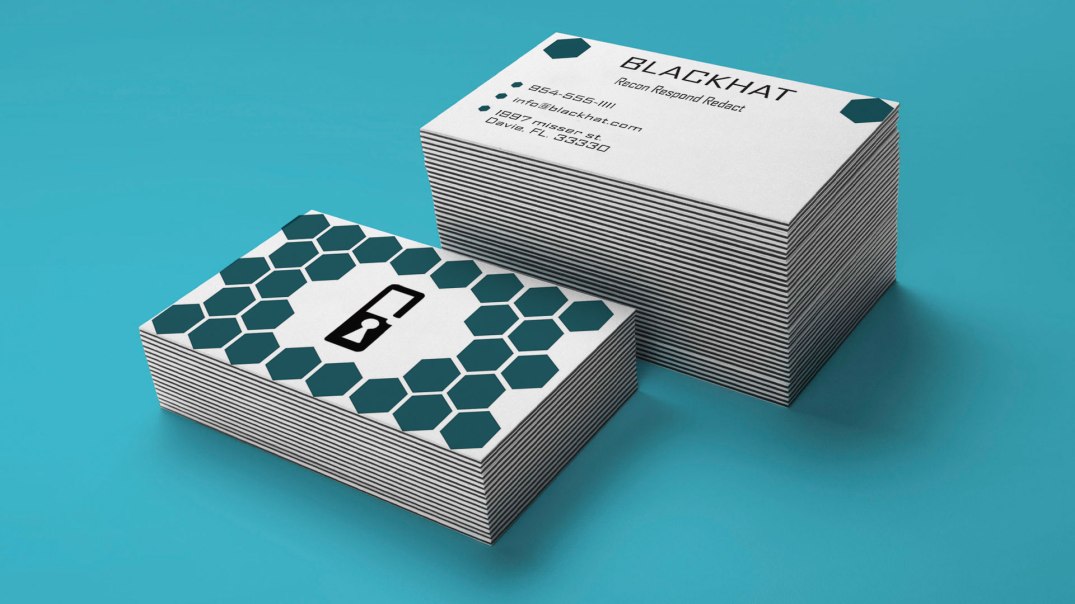
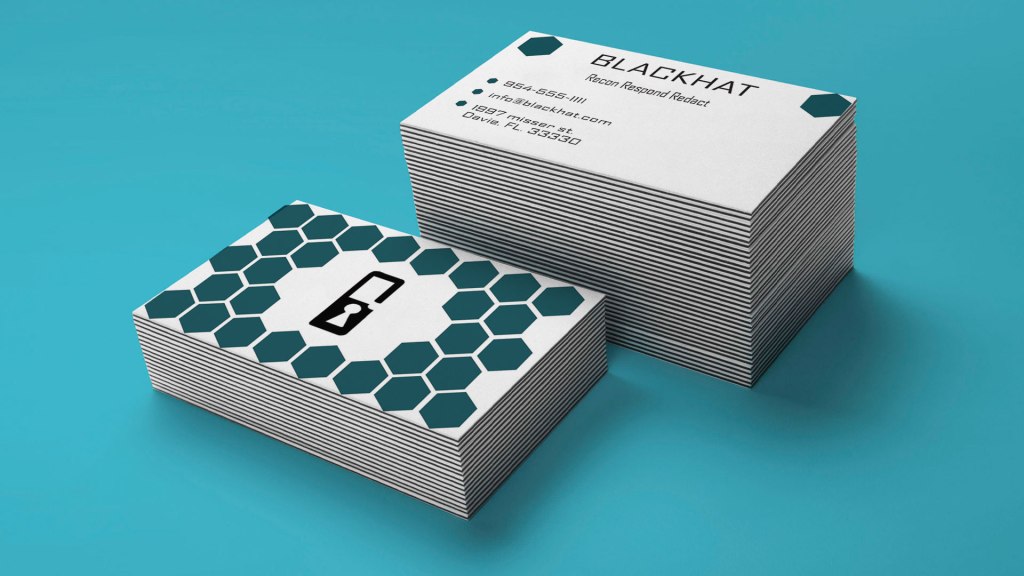
Business cards mock-up

Let’s talk about Brand guides for a moment. According to 99designs.com what a brand guide (brand styled guide) is a rule set that explains how an organization is supposed to present itself. From how it’s supposed to be to what it’s not supposed to be, in terms of logos, colors, titles, fonts, photography, and even mission. The brand guide is THE guide as to how-to-brand the right way, because without it the brand has no identity. No guide, no direction, hence why it’s called a brand GUIDE.

How to brand guide

There are a few key components to a brand guide.

  • Mission/vision: This mission is why your company exists and the vision statement to where you want the company to go.
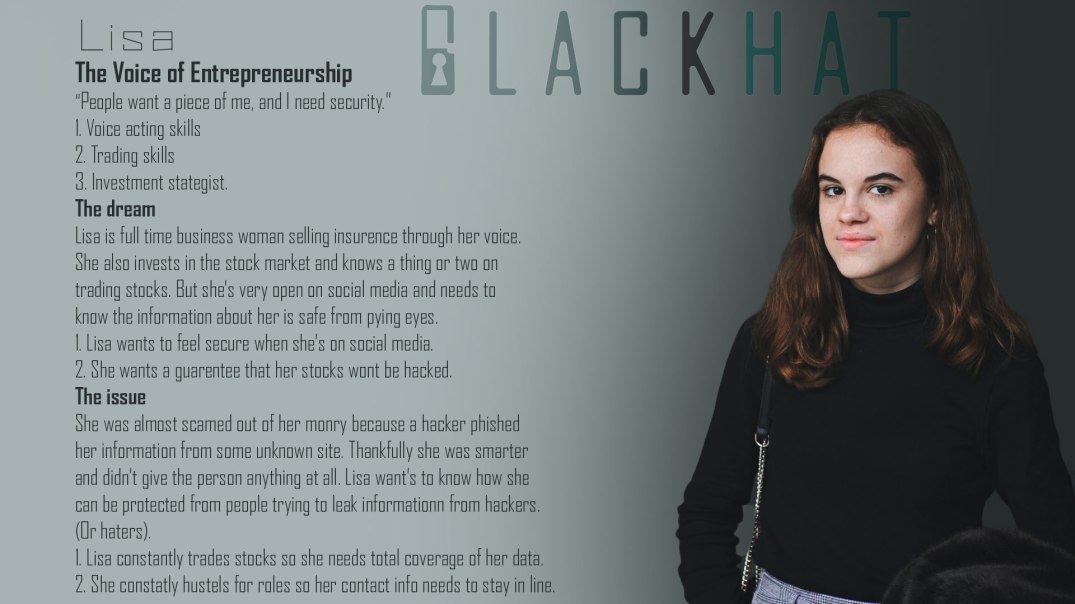
  • Target audience: Who do you want to attract? Who are the customers and why do they need you? And what can your brand do to solve their problems? This is what your brand has to do for your audience. Note this: remember, it can’t please everyone so make it so that you can please as many as you can.
  • Personality: Describe your brand. 99designs.com suggests to try listing three to five adjectives describing what it is. (And to also list what it is not.)
  • Core values: What are the guiding principles for your teams decisions and actions. Make it memorable so your team can stay on brand easily.
The logo for my company

When I was doing a brand guide I included the colors and title and logos and ect. The design for this involves the wordmark being made out of the agency FB type font, and the “B” in blackhat to look like a lock to symbolize the security that our company provides.

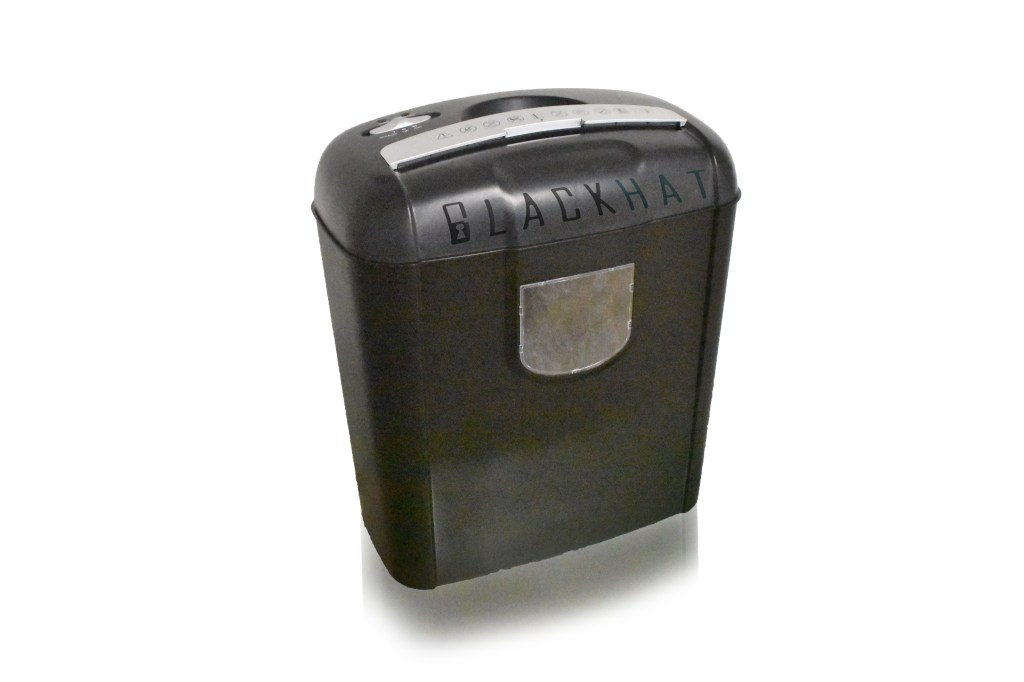
Have a document shredder to dispose of documents (made with photoshop)

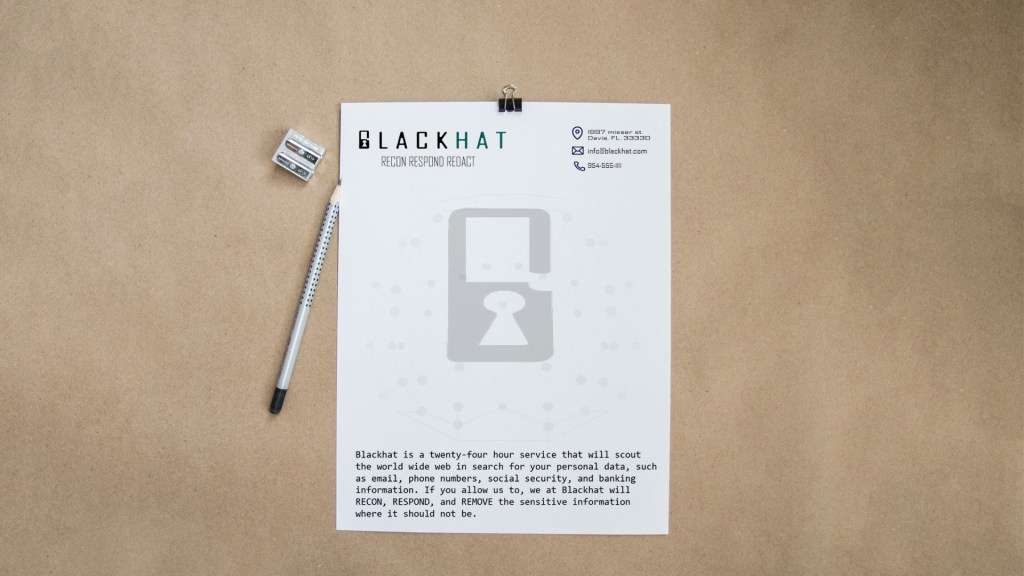
The best tool for designing mockups would be illustrator for designing logos and photoshop for editing any photography for your company. Though I have to say using illustrator was hard for me because I’m more of a stranger to it than photoshop, but once I actually knew what the hell I was doing, I managed to get it. It’s all a matter of getting your foothold and then once you start, there will always be the finish line.

So now that you know how to brand guide, and now that you know how to brand guide there should be nothing standing your way to make your company flourish.

letterhead mockup made in illustrator, edited in photoshop.

SO GO MAKE IT.

Deep into InDesign

Now we’re gonna go deep into InDesign. Lets learn about some really good tools and even learn about new things about new extensions.

Pre-Flight

Preflight checklist

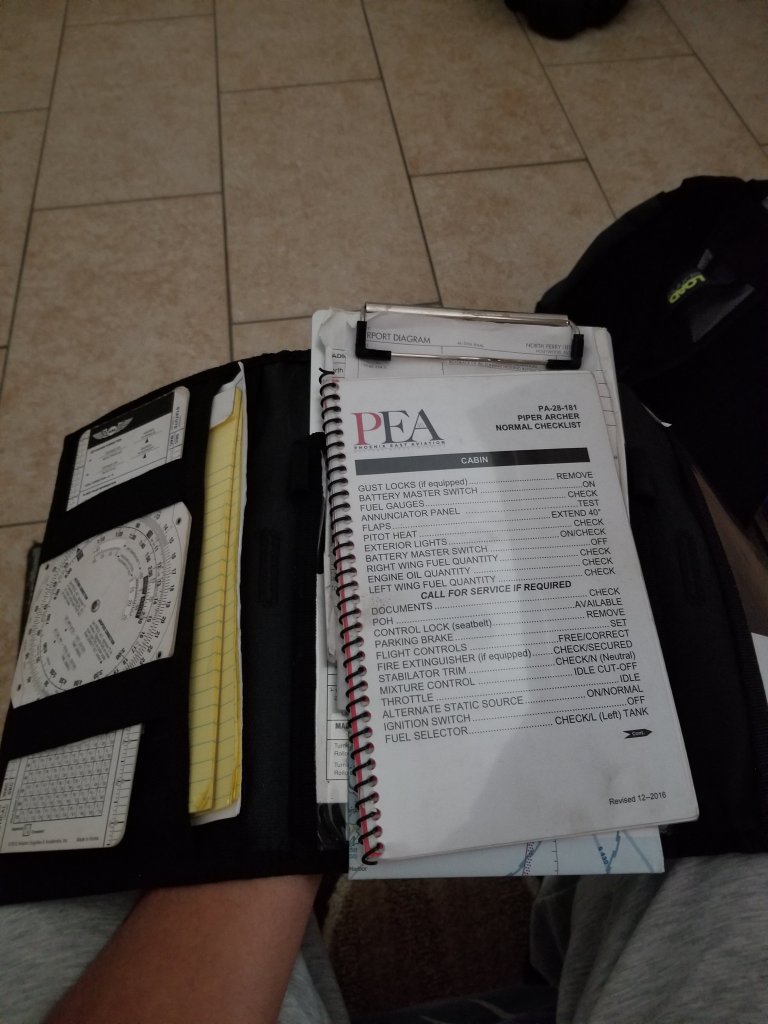
Pre-Flight is the ritualistic inspection you absolutely must perform to ensure that your aircraft is airworthy. This includes checking the air pressure gauges, manifold pressure gauges, pitot head check the ailerons, and sump the fuel.

But we’re not talking about that preflight. Preflight for indesign involves performing quality checks for documents before handing them off to clients. The preflight panel warns you of any problems that can prevent a document or book from printing or outputting as desired, whether it is overset text, missing files of any kind, or low resolution images. To use the preflight first go to the windows panel -> then output -> then preflight, if the icon is green then no errors should be detected, if its red then there are.

Cover/poster designing

In the modern days ebooks are now being read instead of print (print still exists of course). In design can be used to create covers for books, posters and newspapers.

EPUB

For ebooks the file extension it uses is the epub format which is used to package content for ebooks carrying the necessary files and images and is more supported than PDF files.

Tools

Some tools to keep note of are the text tool, which is exactly what you think it is. You use it to add text to your covers. The hand tool which as you can guess move the artboard around. The shape tools, which if you know anything about illustrator you can build shapes for your designs. The pen tool which draws shapes just like in illustrator as well. And the scissors tool which can cut lines into new segments. These are tools that greatly help you when using indesign.

More Multimedia job information

Photo by You X Ventures on Unsplash

I’ve talked about jobs for multimedia before but now we’re gonna get into a bit more detail about the jobs and “the big moneys” that you can make.

In the last post I’ve said that you can work as a

  • digital camera operator
  • sound engineering technician
  • game designer
  • film/audio editor
  • multimedia artist

But other jobs include, but aren’t limited to

  • Game tester
  • photographer
  • installation artist
  • animator
  • game programmer

and much more might be introduced in the future.

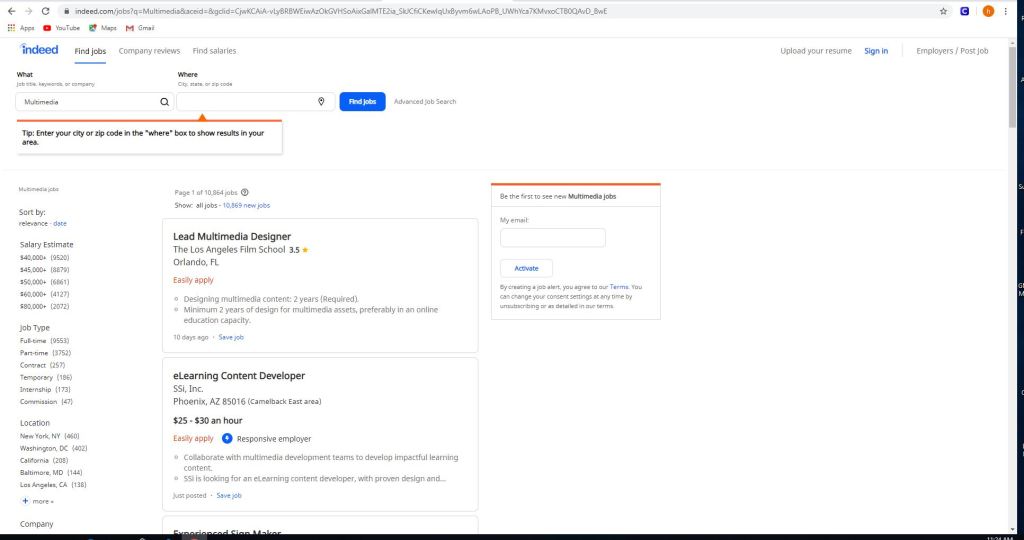
Some jobs on sites like indeed, and monster include but not limited to

  • eLearning content developer
  • experienced sign maker
  • multimedia and digital specialist
  • part-time video production technician
  • freelance editors

These jobs can be as small as $11 per hour up to $117,606 per year depending on the job.

Using sites like this is easy.

All you gotta do is use the left panel and check/uncheck what you’re looking for. Whether you want to get paid more, you want something closer to home or you want a more fulfilling job. There are of course search engines in these sites if you want something specific, but in order to really get something out of this it’s best to utilize all of the search capabilities, the search and the side bar.

But the thing with these jobs is that they do have requirements.

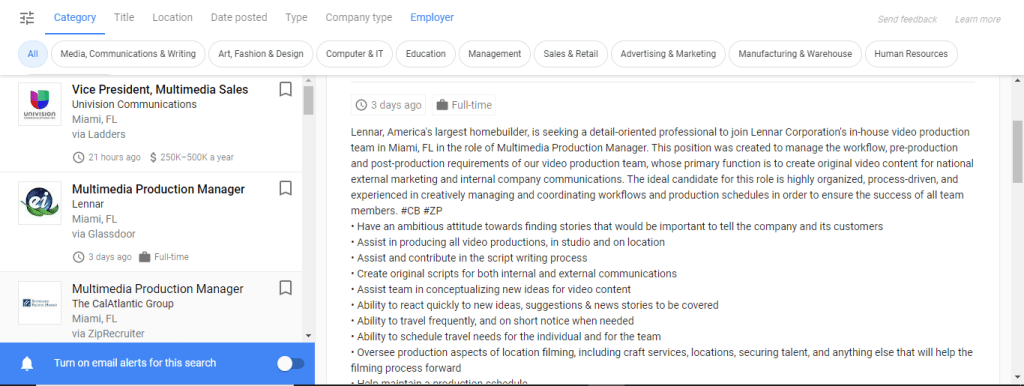
Certain jobs will require a certain education or will require you to do certain things or to just plain work your way to the top. Some are full-time some are part-time and others are just free-lance. One of these is a multimedia production manager in Miami and for this you need

  • To have an ambitious attitude toward finding stories that would be important to tell the company and it’s customers.
  • Assist in producing all video productions, in studio and on location.
  • Assist and contribute in script writing proccess.

The requirements for this job include but not limited to

  • A college degree in film/video studies production
  • +2 year of video production experience
  • Must provide demo reel of previous qualifications
  • general knowledge of adobe creative cloud
  • microsoft office
  • knowledge of video cameras and basics
  • general knowledge of lighting for video production.

If you are interested in jobs like this you can check out zip-recruiter, indeed, monster or any job posting site like it. If you need to you can post your own job listings for your company as well; just go to the employers section, and post your job and wait for applicants.

Well now you know a little bit more about multimedia jobs and what you need to do for them. Now you can do what my parents said and GET A JOB.

Get into the MOOD with BOARDS

Photo by Vi Vibbit on Unsplash

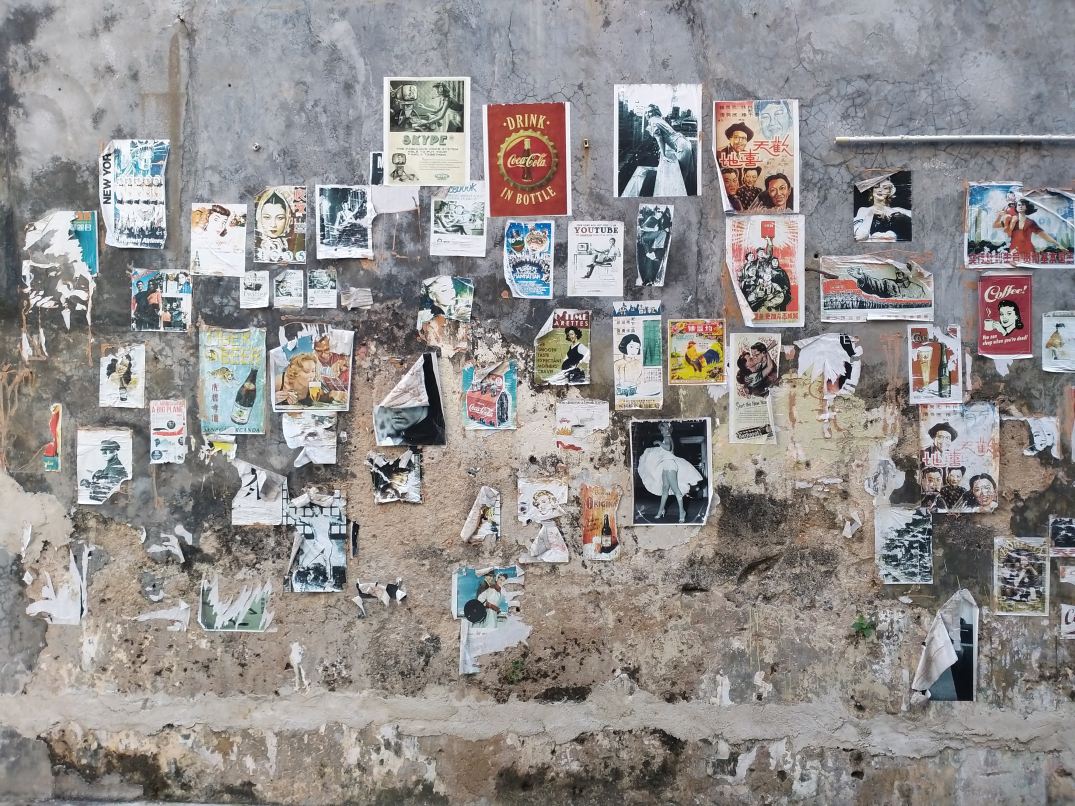
When it comes to businesses and idea pitching what comes to the rescue would be mood boards. These are simply collages of certain images, text samples, and objects in a composition. They can be random, but this is business, so it must be topical or you’ll just be spewing nonsense. The best way to make a mood board is to first know what it is you’re doing; that’s a given, and since you know what you’re doing you need to know this thing called: grouping. Grouping is putting items that go together,… together. Even if your mood board has a purpose without organization by grouping subjects together it will still look like nonsense. So group relevant topics together and it will look presentable.

Programs/Tools

So how do you make a mood board? Well you and literally build a mood board on the wall or on the floor; it will look terrible, but you could still make one like that if you choose. Some good tools to make some would be:

  • Powerpoint
  • Keynote (Apple’s powerpoint)
  • Google slides (googles free powerpoint)
  • InDesign (oldschool methods)
  • Pintrest (oldschool methods)

Personally I mostly use powerpoint, because it can organize my points using slides (also I use windows so I don’t use keynote). Google slides is just like powerpoint but it’s free and you don’t have to worry about saving documents because it’s saved in a cloud. And I don’t use pintrest or InDesign.

So remember this. In order to make a mood board, you need to get ideas together on a “board” but the best mood board is one that’s well organized. And remember you can use the programs I’ve mentioned but you don’t have to use them, you can literally do it on a wall (but I would advise not really doing it that way).