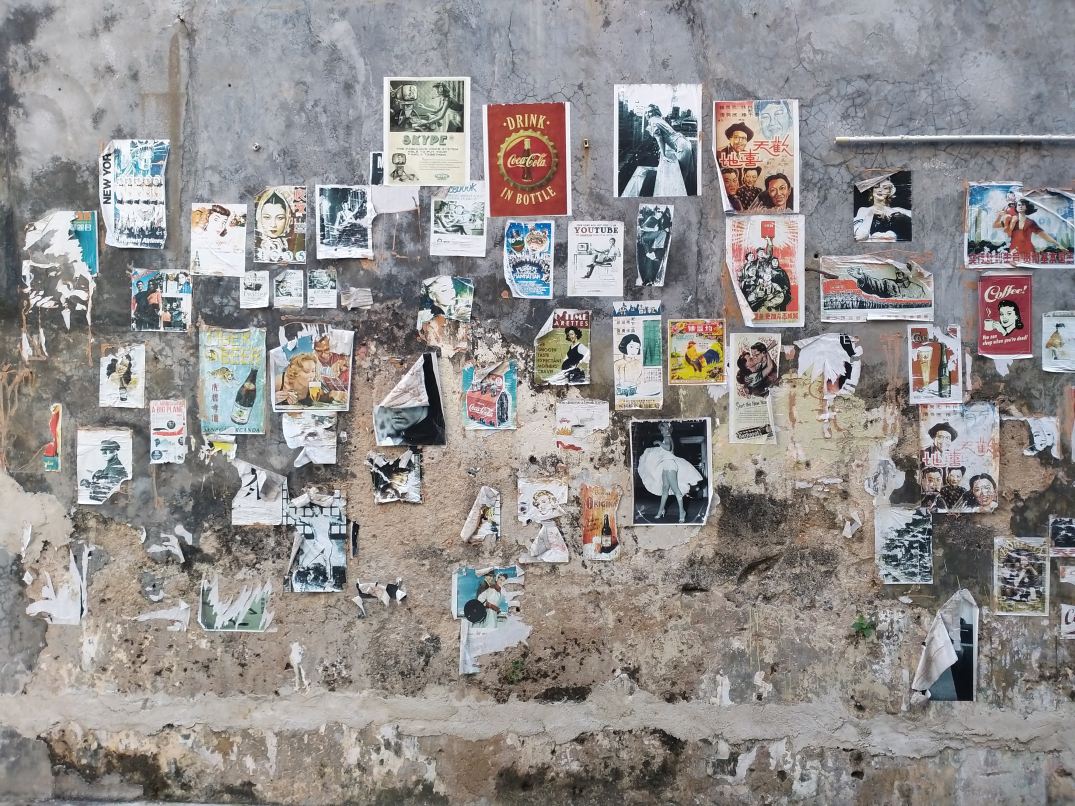

When it comes to businesses and idea pitching what comes to the rescue would be mood boards. These are simply collages of certain images, text samples, and objects in a composition. They can be random, but this is business, so it must be topical or you’ll just be spewing nonsense. The best way to make a mood board is to first know what it is you’re doing; that’s a given, and since you know what you’re doing you need to know this thing called: grouping. Grouping is putting items that go together,… together. Even if your mood board has a purpose without organization by grouping subjects together it will still look like nonsense. So group relevant topics together and it will look presentable.
Programs/Tools
So how do you make a mood board? Well you and literally build a mood board on the wall or on the floor; it will look terrible, but you could still make one like that if you choose. Some good tools to make some would be:
- Powerpoint
- Keynote (Apple’s powerpoint)
- Google slides (googles free powerpoint)
- InDesign (oldschool methods)
- Pintrest (oldschool methods)
Personally I mostly use powerpoint, because it can organize my points using slides (also I use windows so I don’t use keynote). Google slides is just like powerpoint but it’s free and you don’t have to worry about saving documents because it’s saved in a cloud. And I don’t use pintrest or InDesign.
So remember this. In order to make a mood board, you need to get ideas together on a “board” but the best mood board is one that’s well organized. And remember you can use the programs I’ve mentioned but you don’t have to use them, you can literally do it on a wall (but I would advise not really doing it that way).
 Henry Iglesia